
Removethebackground.
Keep every edge.
Remove backgrounds in one click with clean, detailed edges on hair, fur, and fine details. Download a transparent PNG ready for any design or layout.
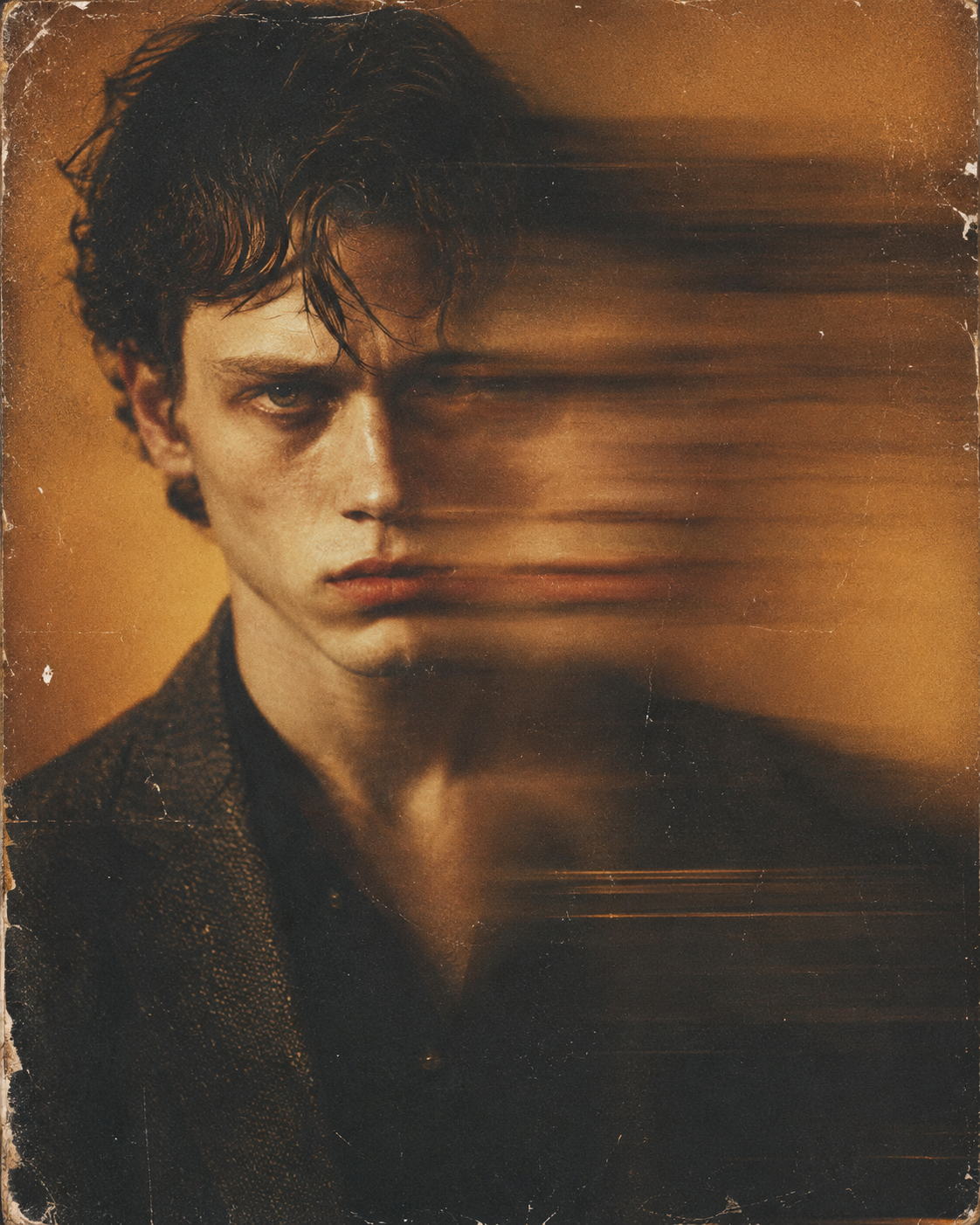
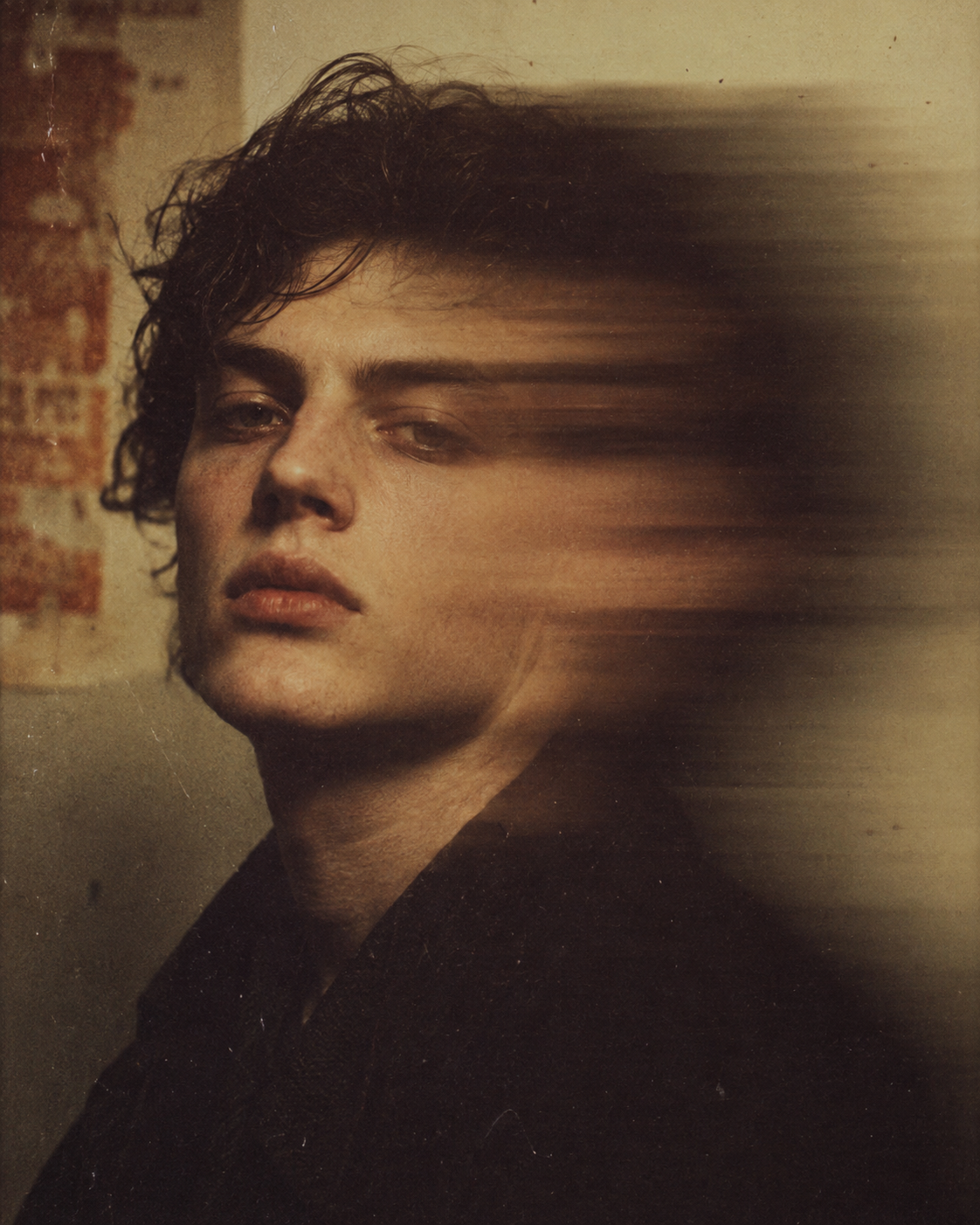
Three steps. Clean cutout.
From any image to a transparent PNG — clean edges, no halos, ready to drop anywhere.
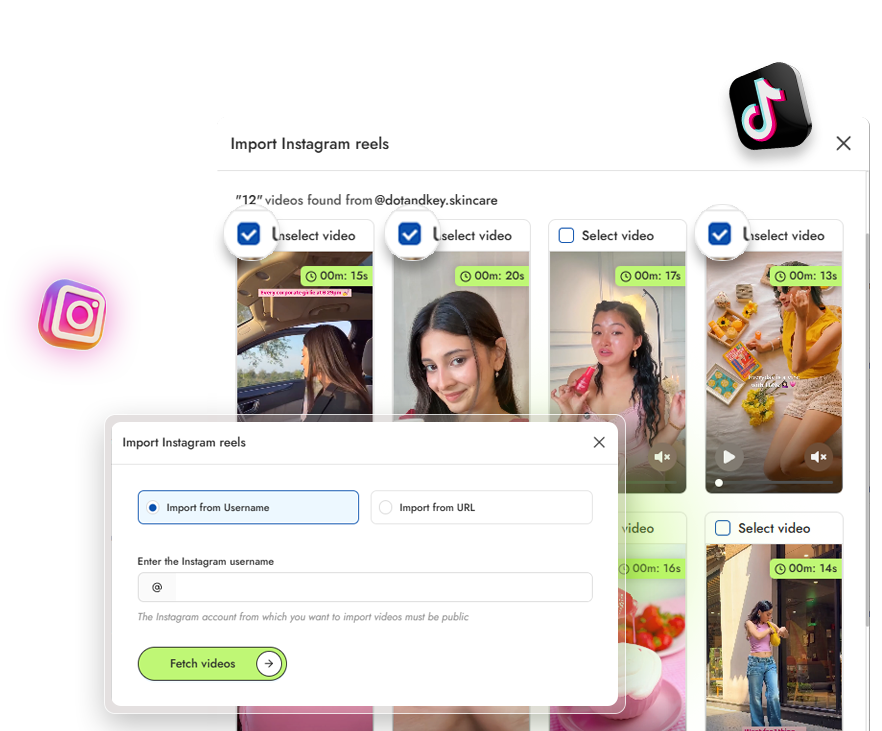
Upload the image
Drop in any image — product, person, logo, character. One image or a batch of up to 100.
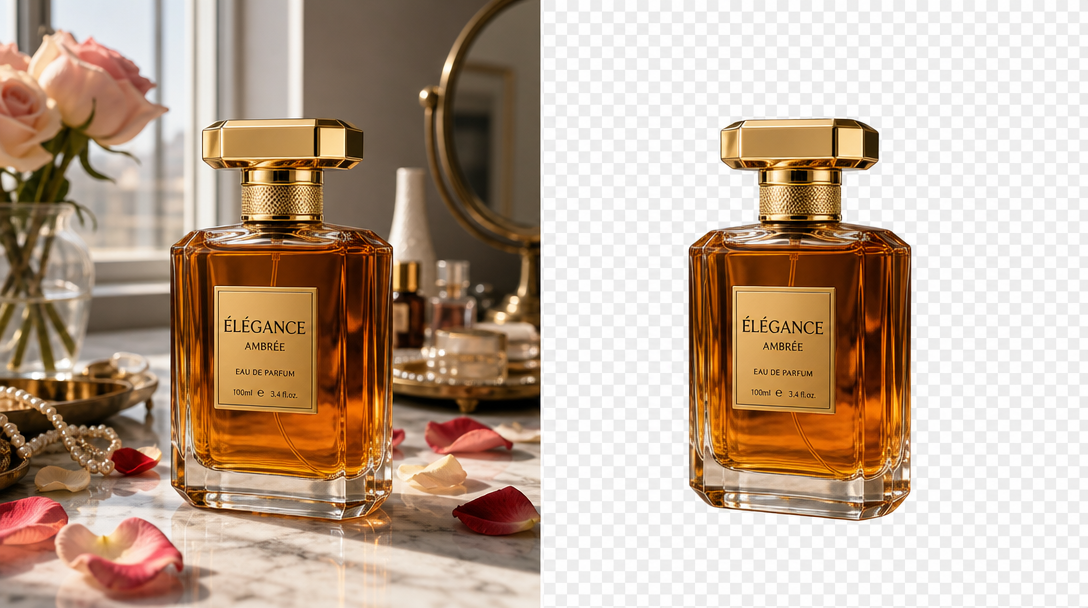
Let AI remove the background
The background disappears in one click, with clean edges even on hair, fur, and fine detail. Brush to refine if you want pixel-level control.
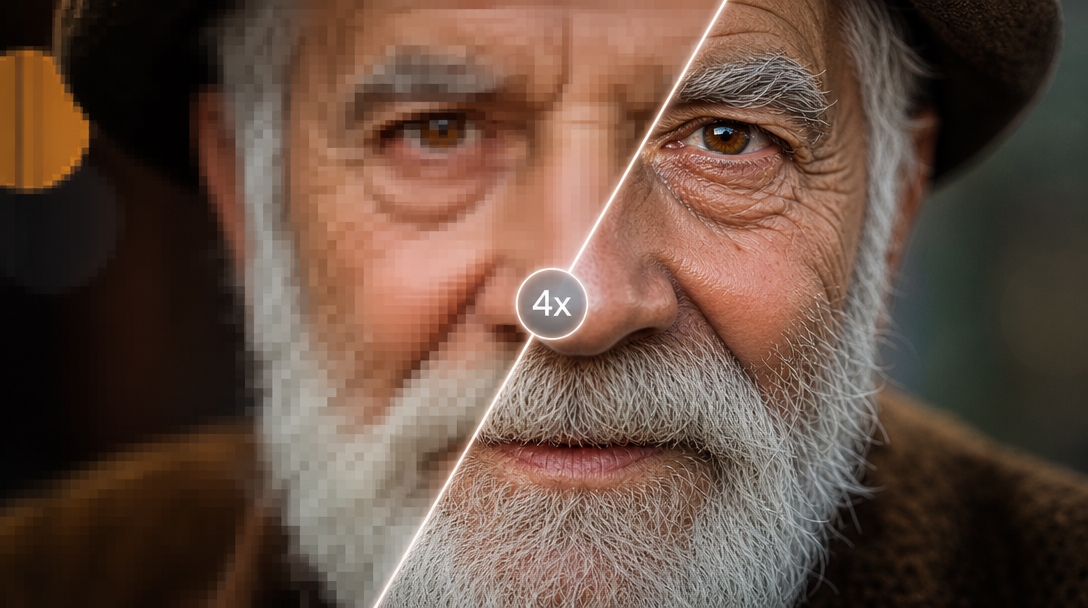
Download the cutout
Export a transparent PNG, ready to drop into any design, listing, or layout. Need higher resolution? Send it straight to the Upscaler.
Nohalos.Nojaggededges.
No Photoshop.
Background removal lives or dies on the edges. ReelUp keeps the flyaway hairs, the fur, the soft shadows, and the fine detail that cheaper tools smear or cut away. The cutout looks hand-masked — in one click.
Clean cutouts for every kind of image.
Products, people, logos, or whole catalogs — a transparent cutout with edges that hold up everywhere you place it.
Product cutouts
Clean, transparent product shots for PDPs, marketplaces, and ads. The white-background listing image, done in seconds instead of a studio session.
- PDP & marketplace ready
- White-background listings
- No studio session
- Seconds, not hours
People and portraits
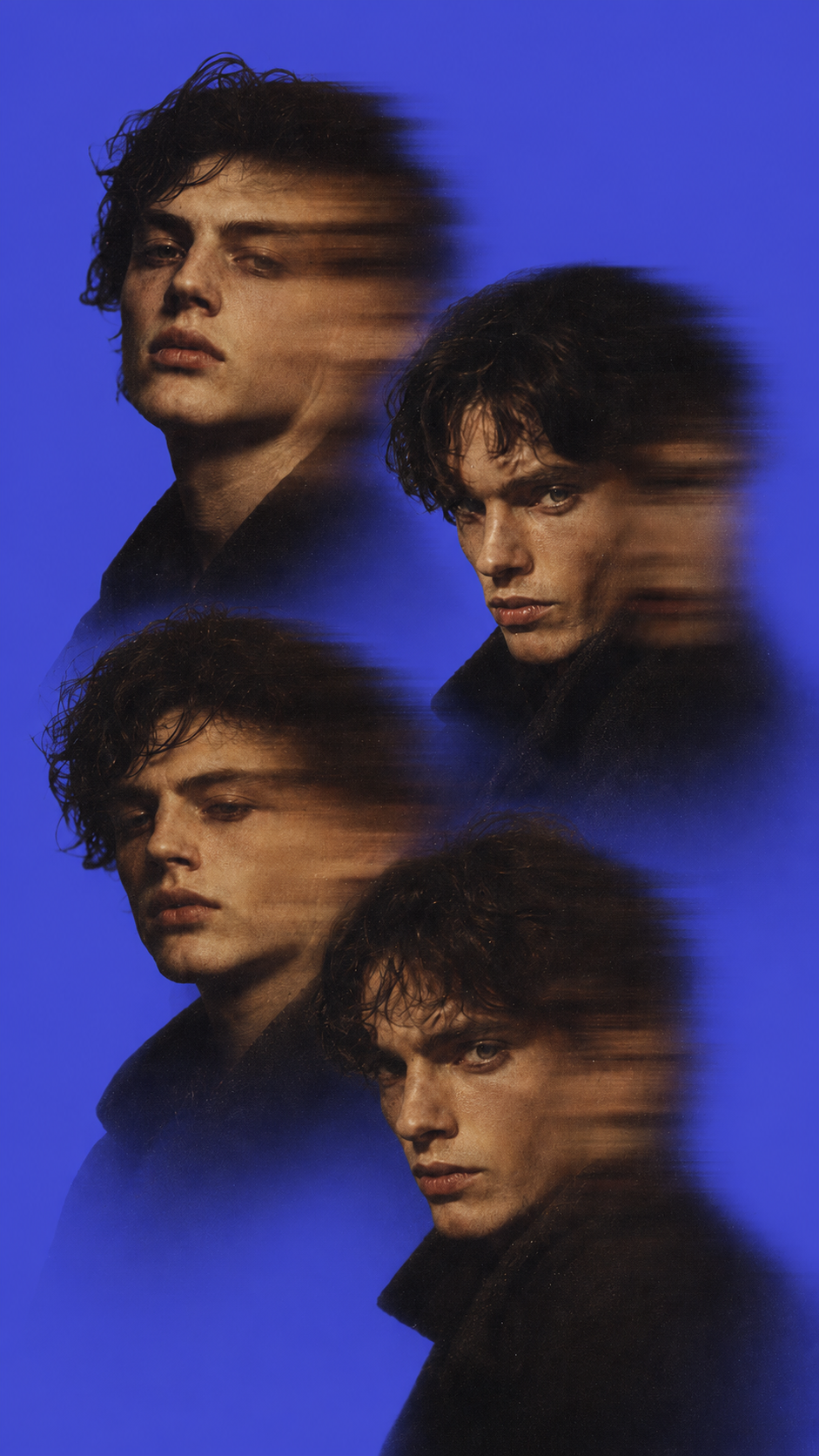
The hard case — hair, flyaways, soft edges. ReelUp keeps the detail that makes a cutout look real instead of pasted.
- Hair & flyaways kept
- Soft edge detail
- Looks real, not pasted
- Crisp masking
Logos and graphics
Not just photos. Cut out logos, icons, illustrations, and graphic elements with clean, sharp edges ready to drop into any layout.
- Logos & icons
- Illustrations & graphics
- Sharp clean edges
- Drop into any layout
Batch removal
Remove backgrounds across up to 100 images in one job. The catalog feature most one-click tools make you do one image at a time.
- Up to 100 per job
- Catalog-scale
- One job, all images
- No one-by-one
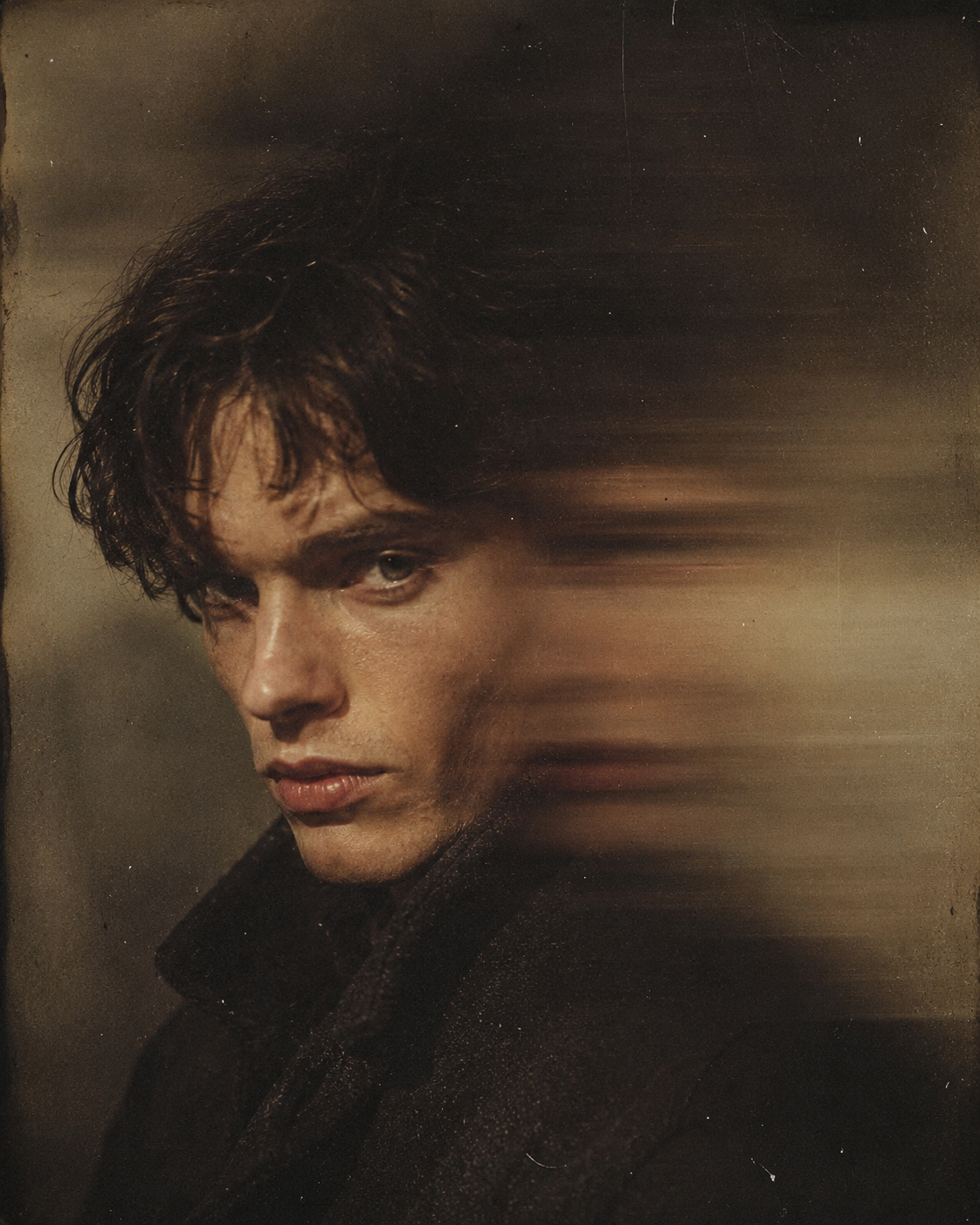
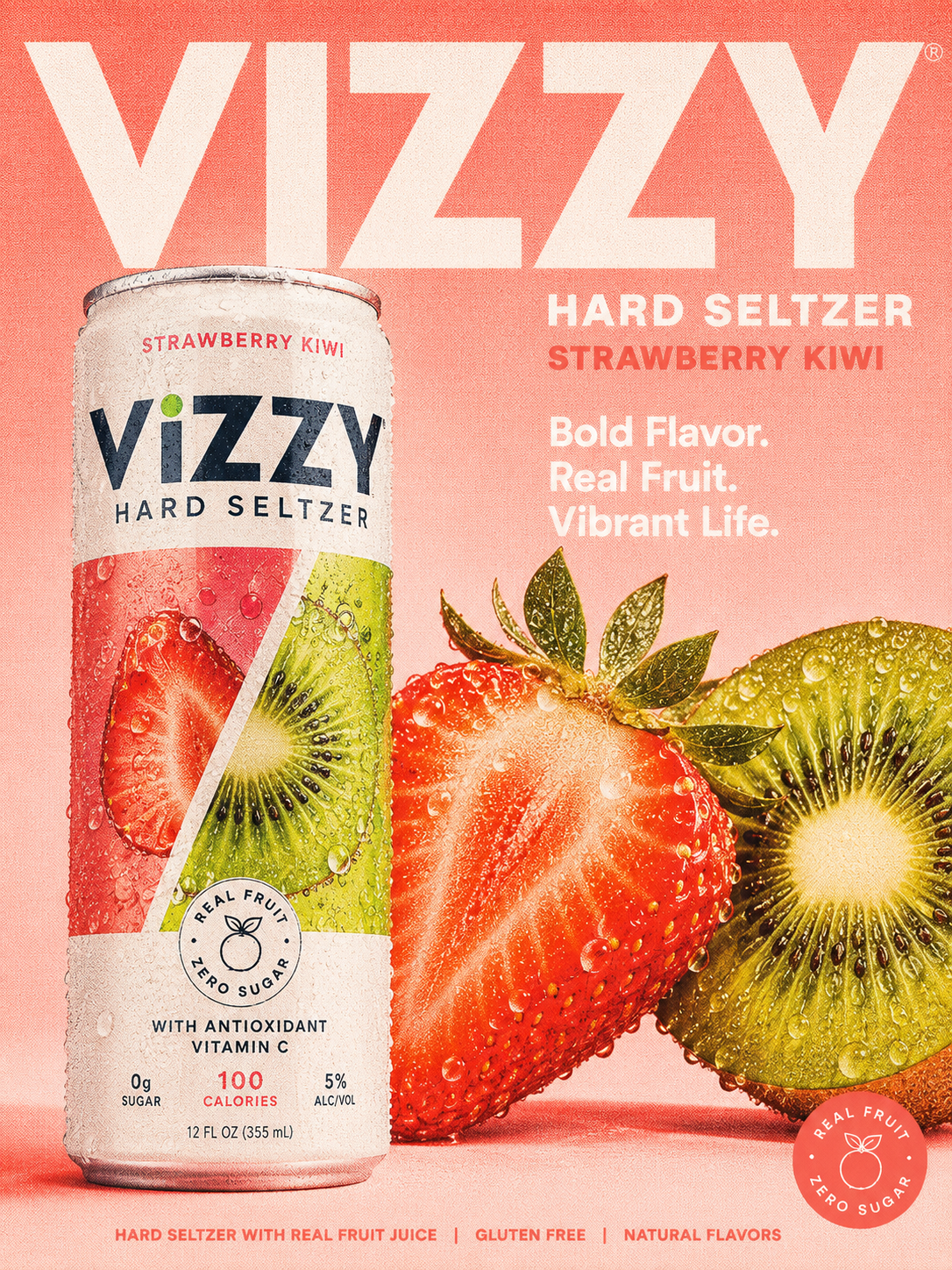
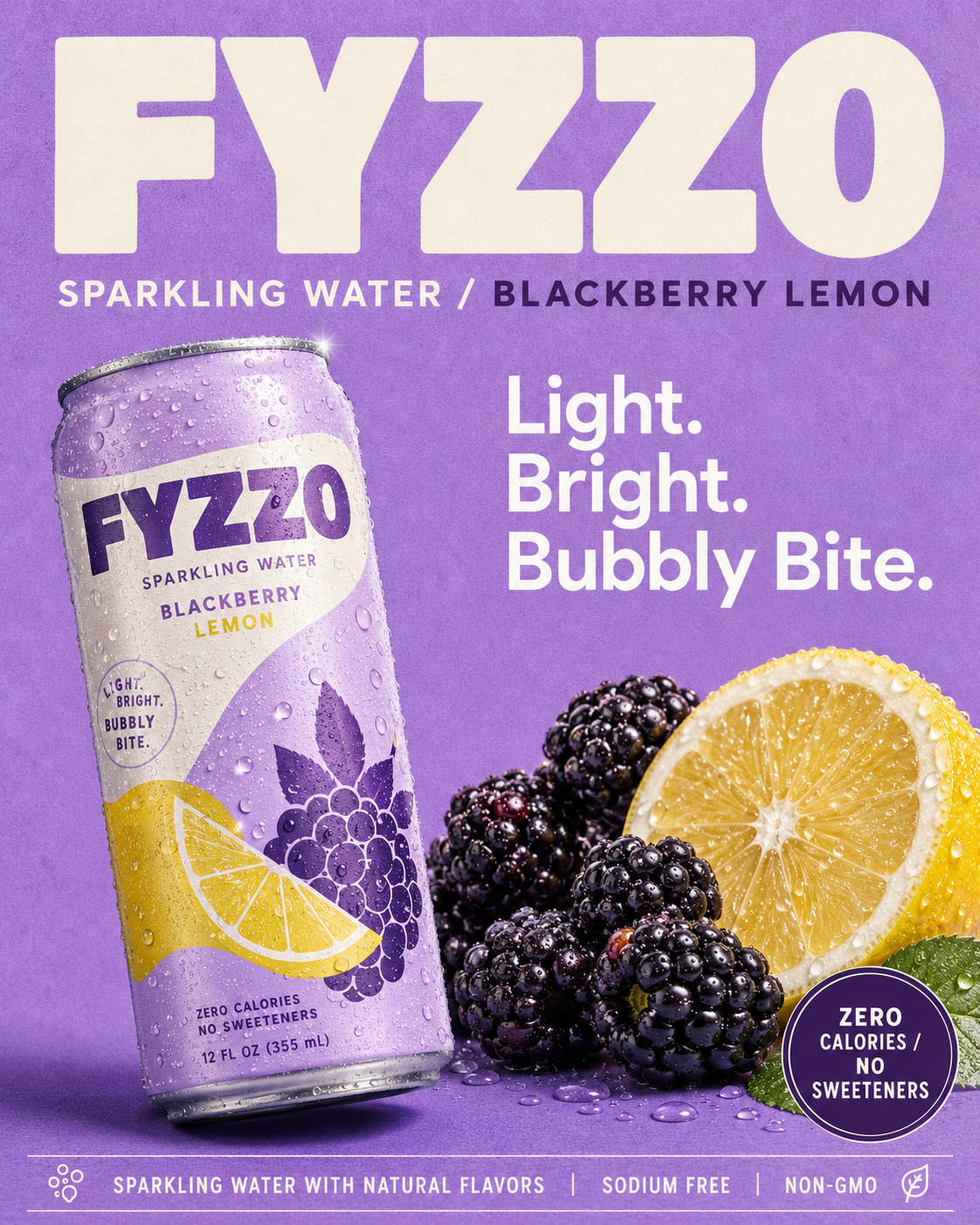
Drag the slider. Watch the background vanish.
Every example is a real one-click removal — including the hard cases most tools struggle with. Filter by subject to find the kind of cutout closest to your work.

Everything worth knowing before you start.
A tool that detects the subject in an image and erases everything behind it, leaving a clean transparent cutout. ReelUp's does it in one click, with crisp edges on hair, fur, and fine detail — no manual masking, no Photoshop.
Yes. Hair, fur, flyaways, soft edges, and fine detail are exactly where most removers fail and where ReelUp focuses. The cutout keeps the detail that makes it look hand-masked rather than pasted on.
Yes. Export a transparent PNG ready to drop into any design, listing, or layout. You can also export the cutout onto a solid color if you prefer.
The Background Remover gives you a clean transparent cutout. To place your subject in a new scene, bring the cutout into the AI Image Editor or generate a fresh backdrop with the AI Image Generator — then use AI Relight to match the lighting.
Yes. Remove backgrounds across up to 100 images in a single job — useful for product catalogs, marketplace listings, and campaign sets. Most one-click tools make you process images one at a time.
Photoshop background removal means selection tools, masking, and edge refinement by hand — minutes to hours per image. ReelUp does it in one click with comparable edge quality, then lets you batch it across a hundred images at once.
Products, people, logos, graphics, characters, animals — anything with a clear subject. Cluttered scenes work too; the AI isolates whatever is most prominent.
JPG, PNG, and WEBP in. Transparent PNG out, up to 4K. Run the cutout through the Upscaler afterward if you need higher resolution.
Free tier cutouts carry a small ReelUp watermark. Paid plans export clean, watermark-free transparent PNGs.
Yes. Every cutout is yours to use commercially — listings, ads, social, client work. Full commercial rights on every plan.
Tools that pair with background remover.
Built for creators, designed for speed.
AI Image Editor
Inpaint, outpaint, remove, replace
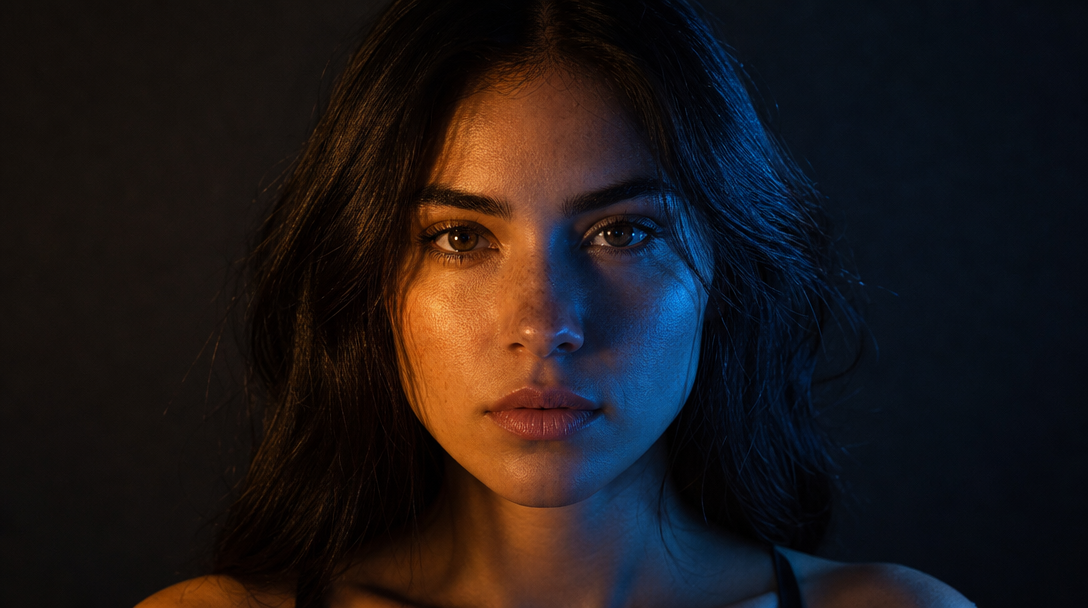
AI Object Remover
Erase anything cleanly
AI Relight
Change lighting in any scene
AI Upscale
Enhance resolution up to 4x
AI Image Generator
Text-to-image across every top model
AI Fashion Engine
On-model imagery in seconds
AI Ad Studio
Cinematic ad creatives

AI Influencer Studio
Build your brand model
Cut out your first image in one click.
Upload, remove, download a transparent PNG. Clean edges, even on hair.