
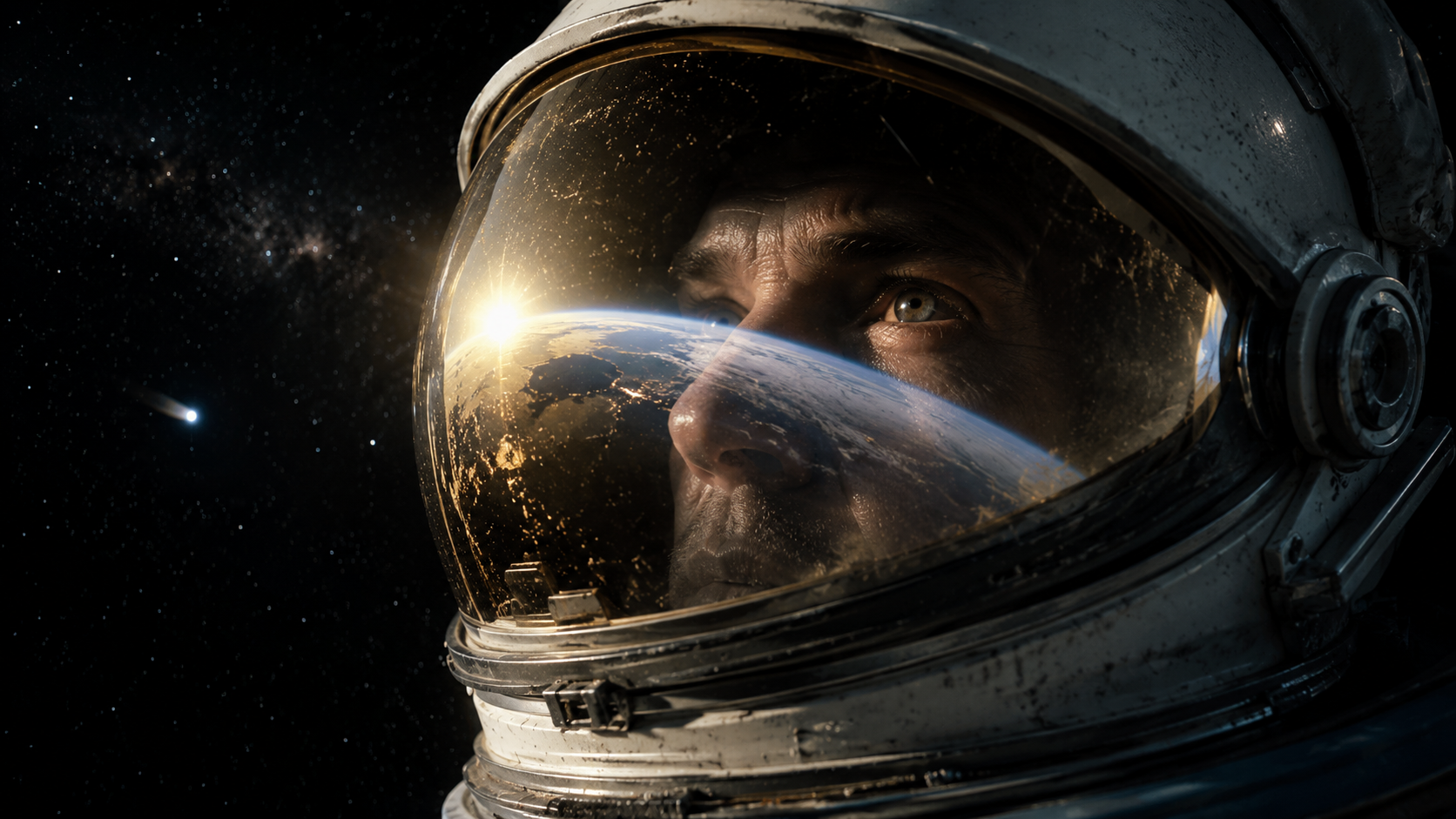


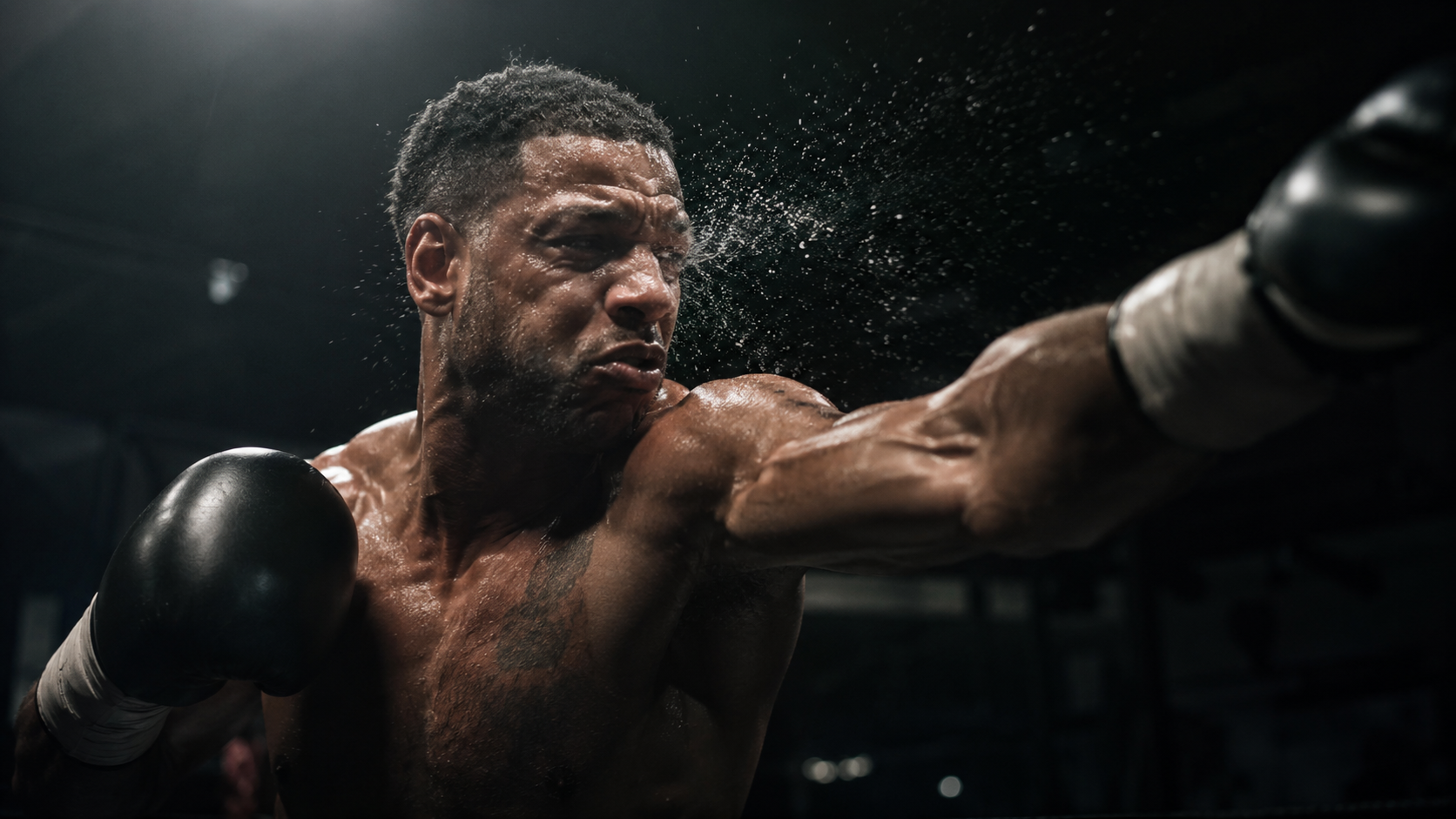
AI Image Editor.
Remove objects, change backgrounds, swap outfits, relight scenes, upscale to 4K — all in one editor. No layers, no masking, no Photoshop. Describe the edit and ReelUp handles it.
The full edit stack, in one place
Most AI editors do one thing well. ReelUp's editor handles the full range — from quick retouches to full product reshoots — without sending you to a different tool.
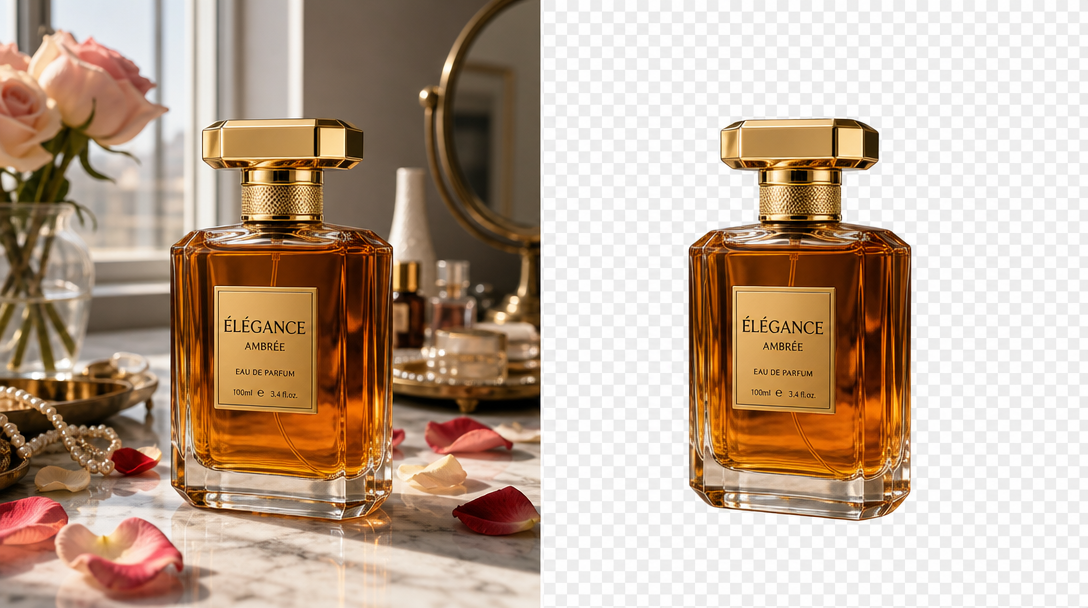
Remove or replace objects
Erase anything you don't want. Replace it with whatever you do. Backgrounds, props, people, blemishes, logos.
- Brush-based selection
- Background reconstructed, not blurred
- Logos, signs & watermarks
- People, props & blemishes
Change backgrounds
Swap a studio backdrop for a beach, a kitchen for a boutique, a plain wall for a city skyline. Lighting and shadows adjust automatically.
- Prompt-based scenes
- Lighting & shadows auto-adjust
- Subject preserved pixel-perfect
- Any aspect ratio
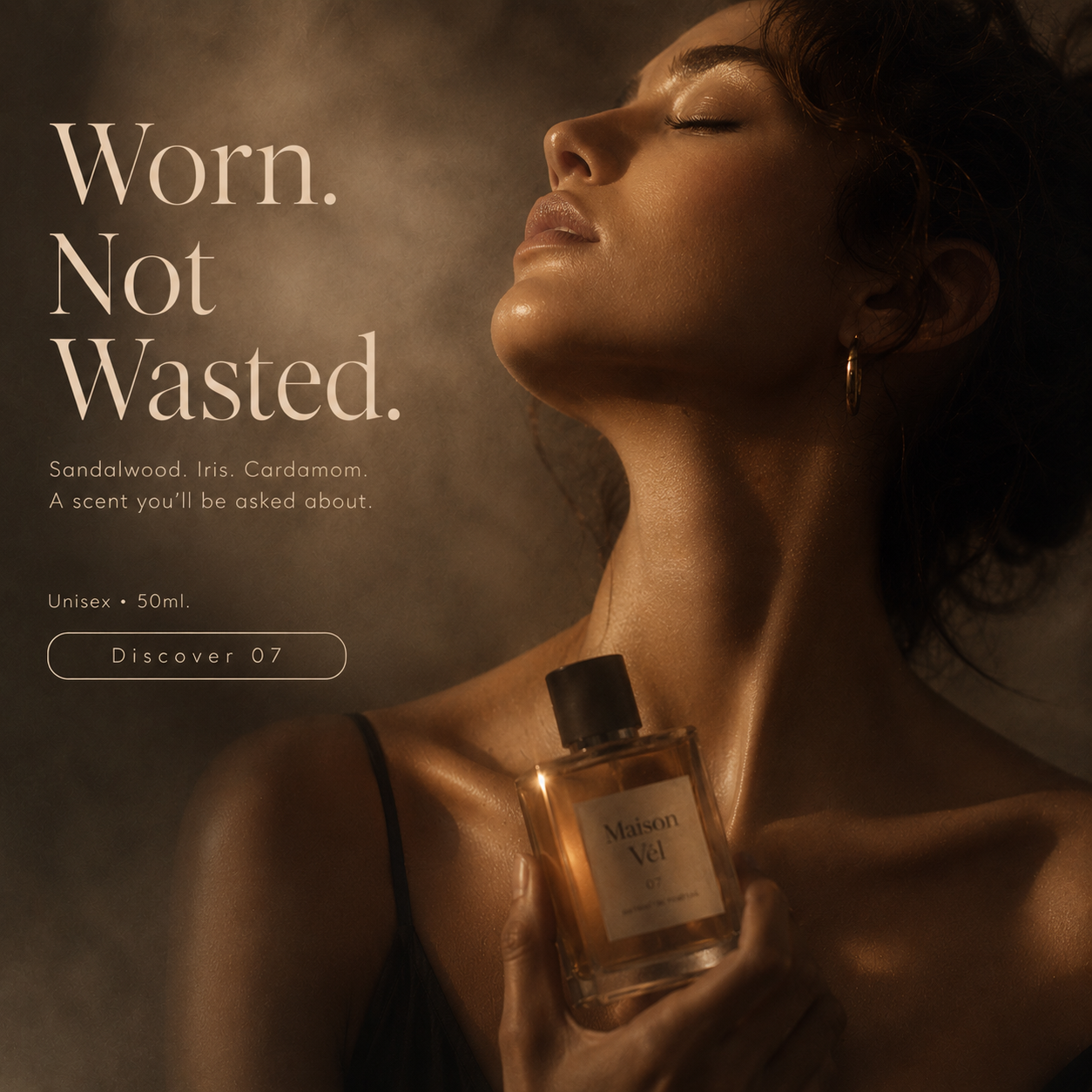
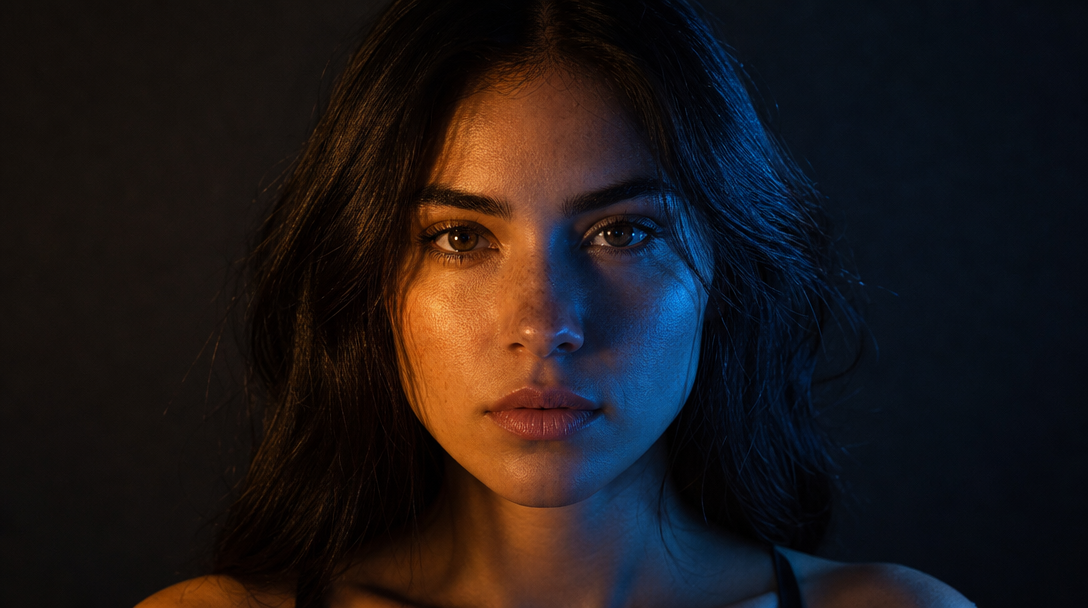
Relight
Change lighting direction, color, and mood after the shot. Move the sun. Add neon. Drop the brightness for a moody editorial feel.
- Direction & color control
- Studio to outdoor presets
- Mood & exposure adjust
- Cinematic looks
Multi-angle shots
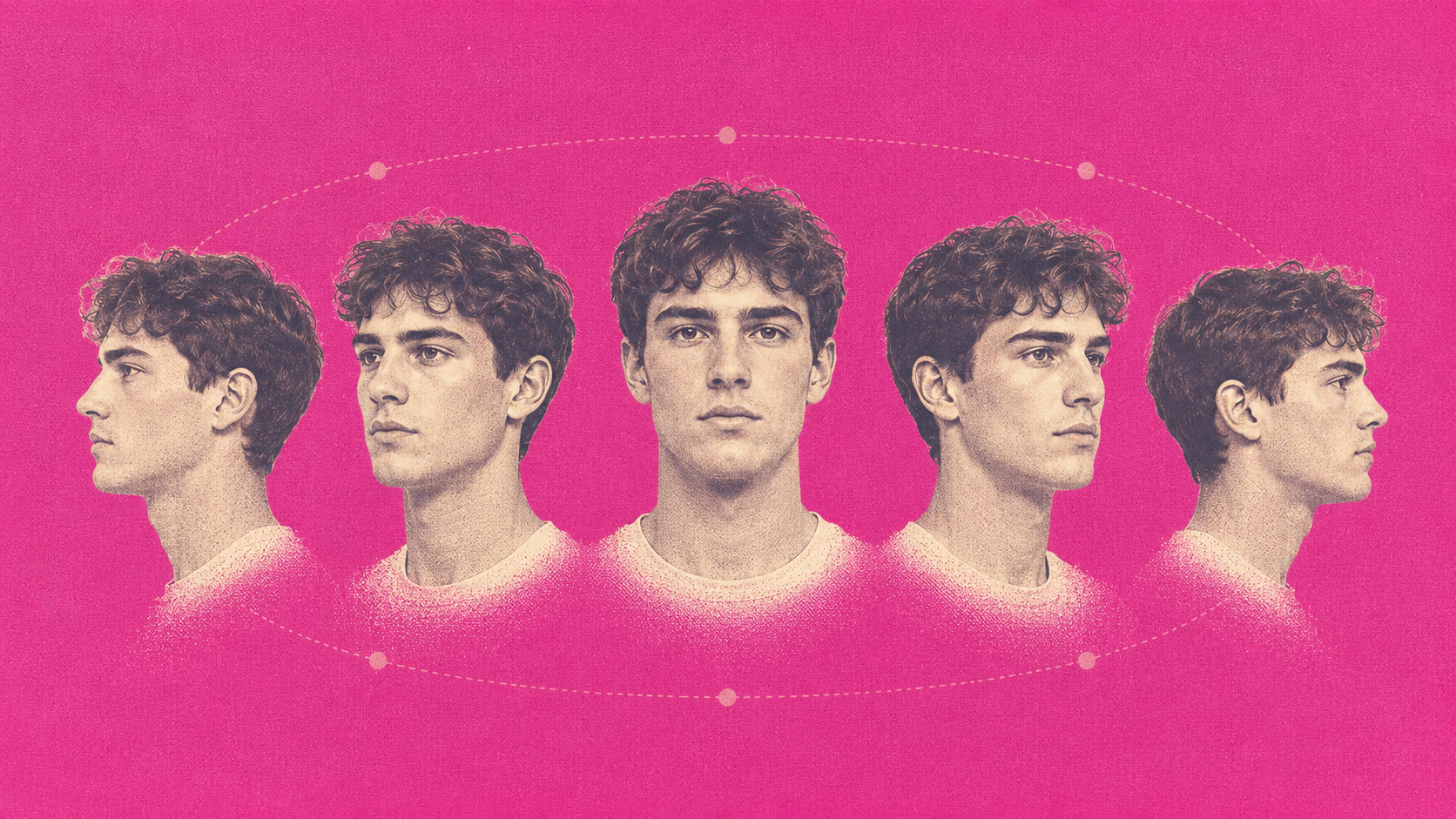
Rotate the camera around your subject without reshooting. Get the side angle, the three-quarter, the overhead — from one photo.
- Side, 3/4 & overhead
- One photo, every angle
- Identity stays consistent
- Catalog-ready output
Swap outfits & styles
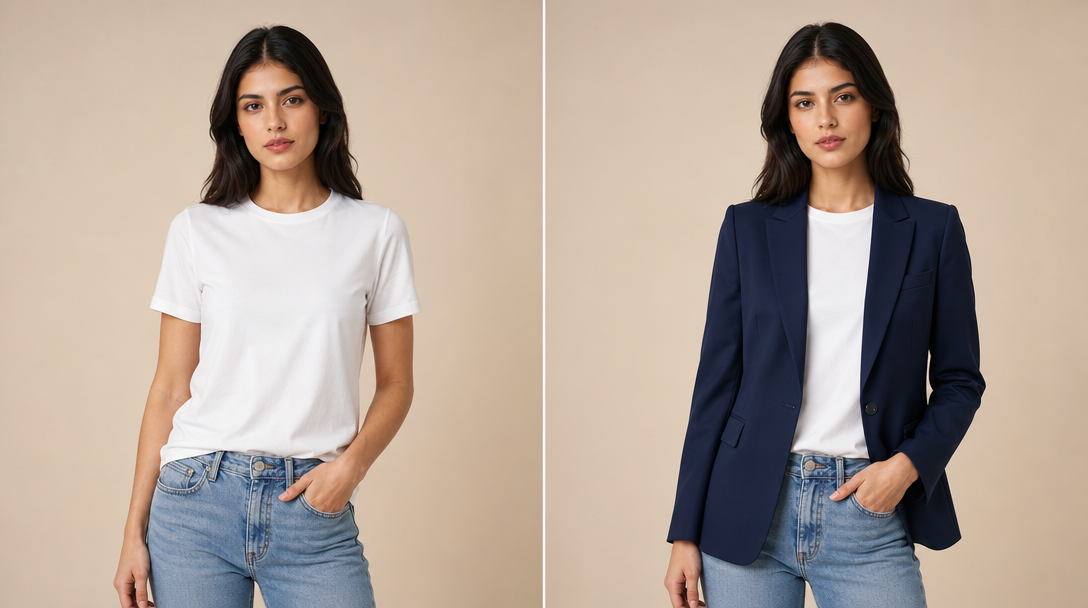
Put your model in a new outfit. Try ten variants in the time it used to take to plan one shoot.
- Multiple variants per shot
- Fabric & drape fidelity
- Print & color accuracy
- Brand-ready output
Face swap
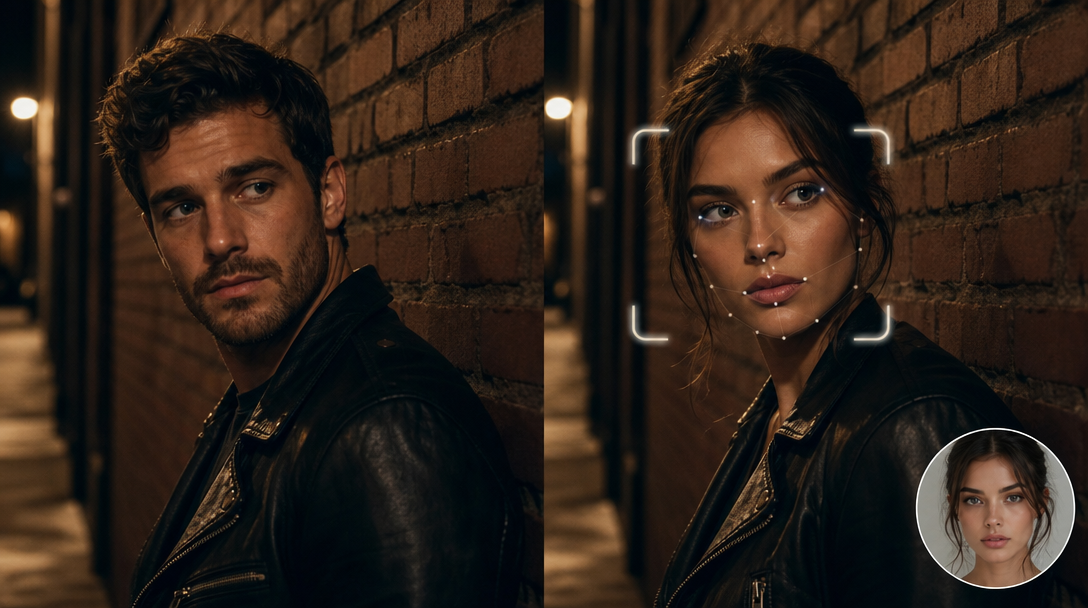
Drop your AI influencer or a brand model into any scene. Keep the same face across an entire campaign.
- AI influencer or brand model
- Same face every campaign
- Multi-scene consistency
- Identity locked
Skin enhancer
Clean digital noise, smooth texture, keep natural tones. Skin that reads as skin, not as plastic.
- Noise reduction
- Natural texture preserved
- Even skin tone
- No plastic look
Upscale & enhance
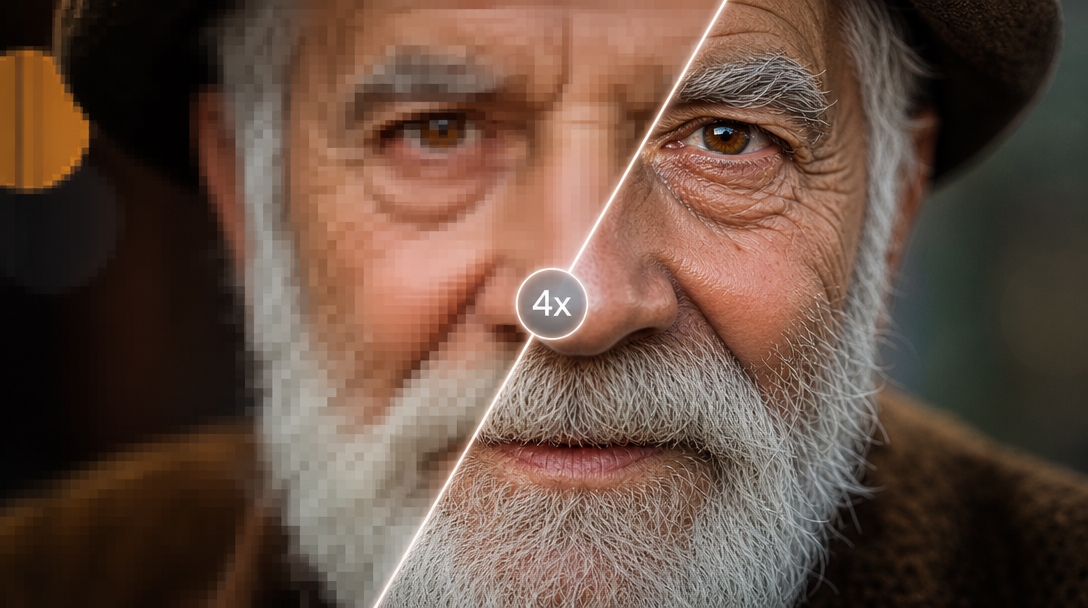
Push any image to 4K. Sharpen details, recover texture, fix soft or low-resolution sources.
- Up to 4K resolution
- Sharpen details
- Recover texture
- Fix low-res sources
Restyle & retouch
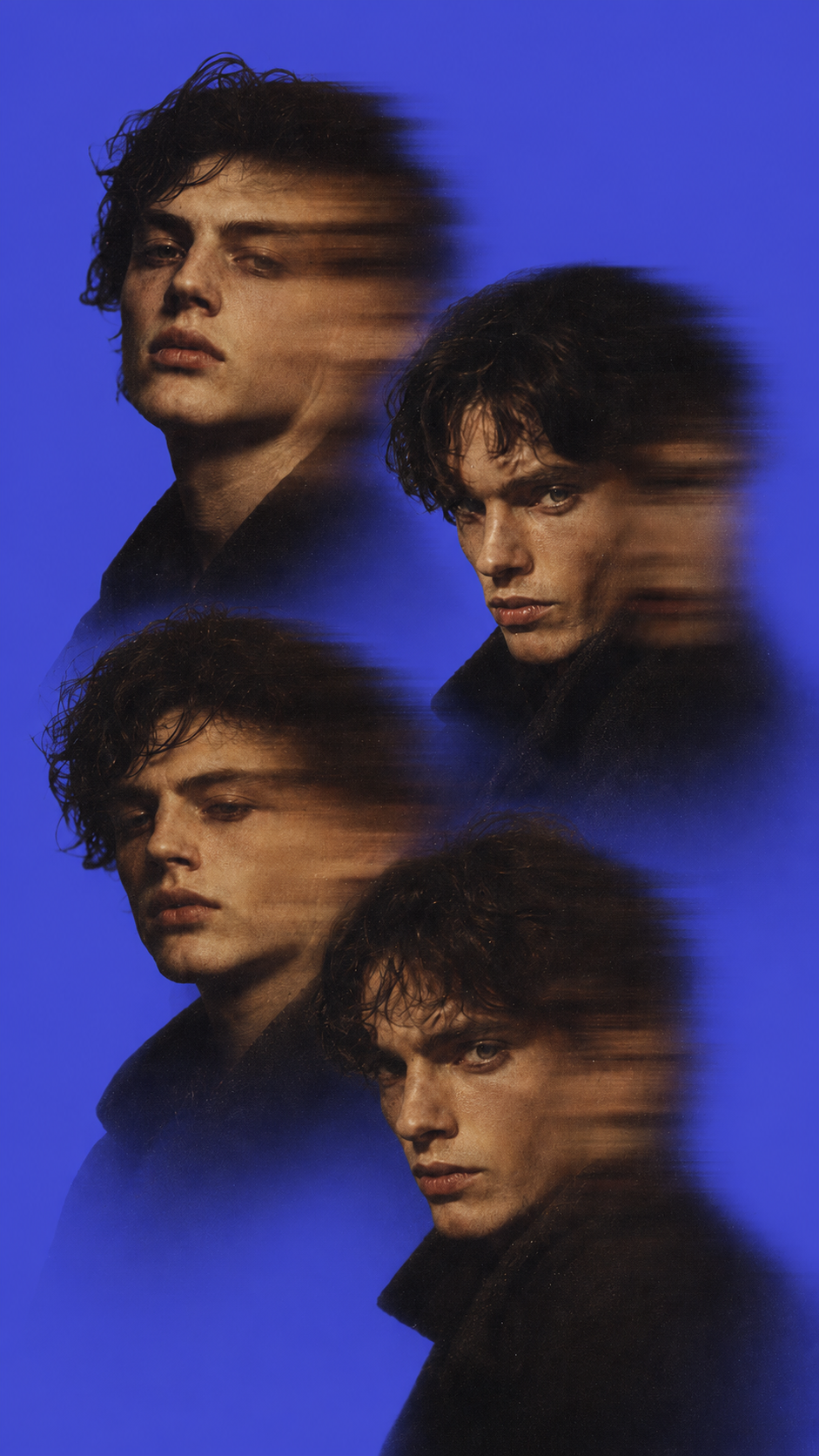
Transfer a look from a reference image. Cinematic color, editorial lighting, brand palette — applied without changing the subject.
- Reference-based transfer
- Cinematic color grading
- Brand palette match
- Editorial lighting
Made for the work you actually ship
From DTC catalogs to creator content — Reelup plugs into however you ship images today.
E-commerce product imagery
Ad creative variations
Fashion & apparel

Real estate & interiors
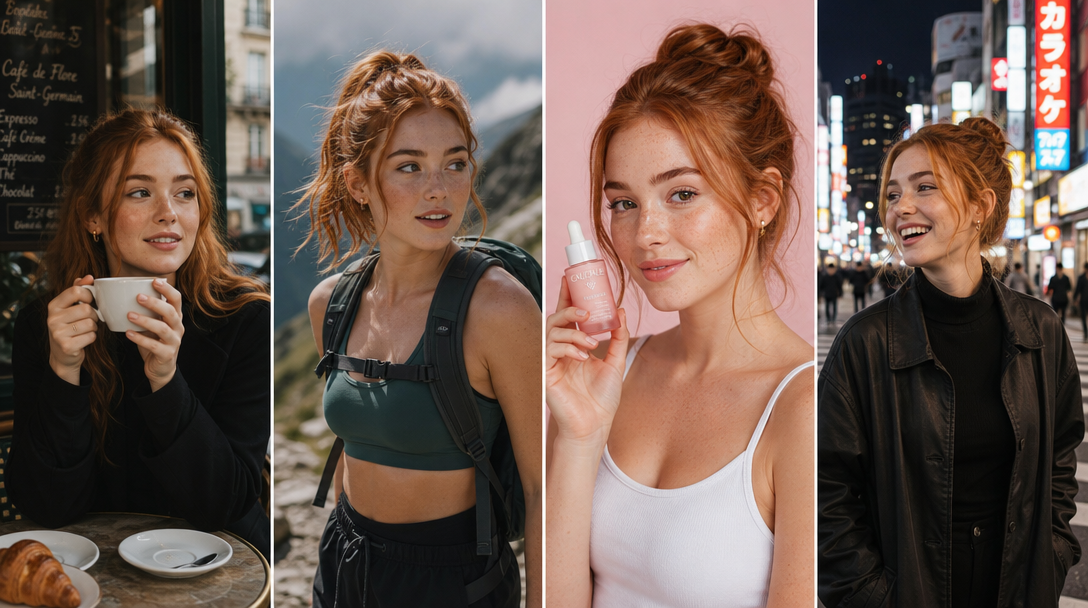
Creator content
Brand & marketing teams
Everything worth knowing before you start.
A prompt-driven image editor that lets you change anything in an image by describing the edit. It handles object removal, background changes, outfit swaps, relighting, multi-angle generation, upscaling, and skin enhancement — all in one place.
Yes. You get free edits every day with no card required. Paid plans unlock higher daily limits, faster processing, and access to premium models.
Any JPG, PNG, or WEBP up to 50MB. Photographs, product shots, illustrations, AI-generated images, screenshots — anything raster-based.
Photoshop is pixel-precise and built for designers who know what each tool does. ReelUp is prompt-driven and built for people who want a result without learning a 30-year-old toolset. For pixel-precise work, Photoshop still wins. For fast iteration and structural edits, ReelUp wins.
Other AI editors focus on the edit itself. ReelUp's editor is part of a full creative studio — the same image you edit can be turned into a video, lipsynced, or featured with your AI influencer, without switching tools. It also runs batch jobs natively, applies the same edit to 100 product shots at once, and gives you commercial rights on every output without a tier upgrade.
Yes. Batch editing lets you apply the same prompt or preset to up to 100 images in a single job. Useful for catalog reshoots, ad variant testing, and style consistency across a campaign.
Yes, when paired with the AI Influencer feature. You can lock a face — your brand model, a real person you've trained, or an AI character — and have them appear in every edited image with the same identity.
4K (3840 × 2160) on standard plans. Higher on enterprise. The Upscaler can push lower-res sources up to 4K and sharpen details in the process.
Yes. Everything you generate or edit is yours to use commercially, including paid ads, product pages, and client work. Full commercial rights on every plan.
Free tier outputs have a small ReelUp watermark. Paid plans remove it entirely.
Most edits finish in 8–20 seconds. Batch jobs and 4K upscales take longer, depending on size.
ReelUp routes between best-in-class models for each edit type — Nano Banana, Flux Kontext, Seedream, and others. The router picks the right model for the task, so you don't have to.
Yes. Every edit is non-destructive. The original is preserved, and you can compare versions side-by-side or step back through your history at any time.
For single-frame edits, yes — extract a frame, edit it, and use it as a thumbnail or reference. For full video editing, use the AI Video Editor.
Tools that pair with the editor
Built for creators, designed for speed.

Edit your first image in under a minute
No credit card required. Drop in any image and get your first edit in seconds.