
Skinthatlooks
like skin.
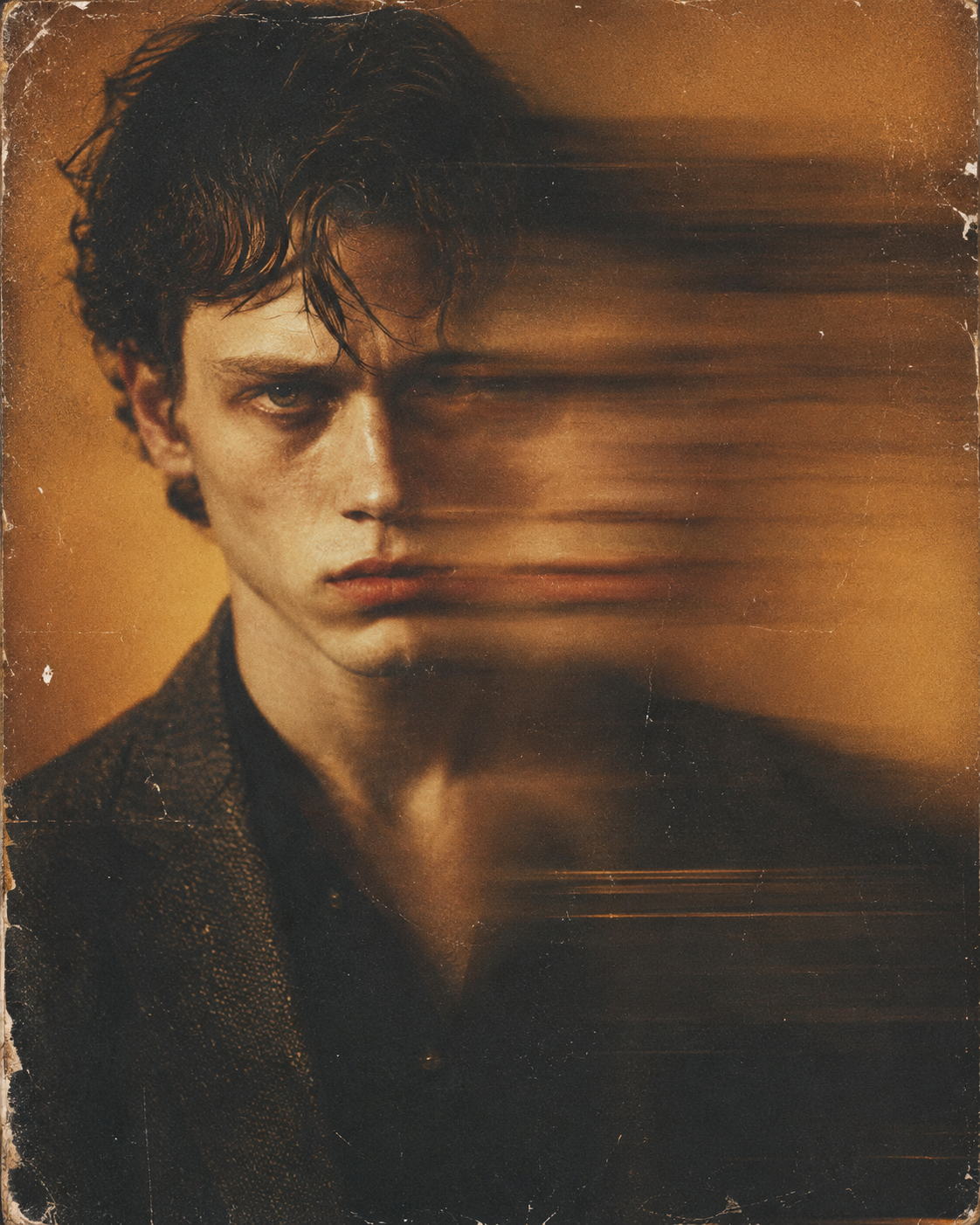
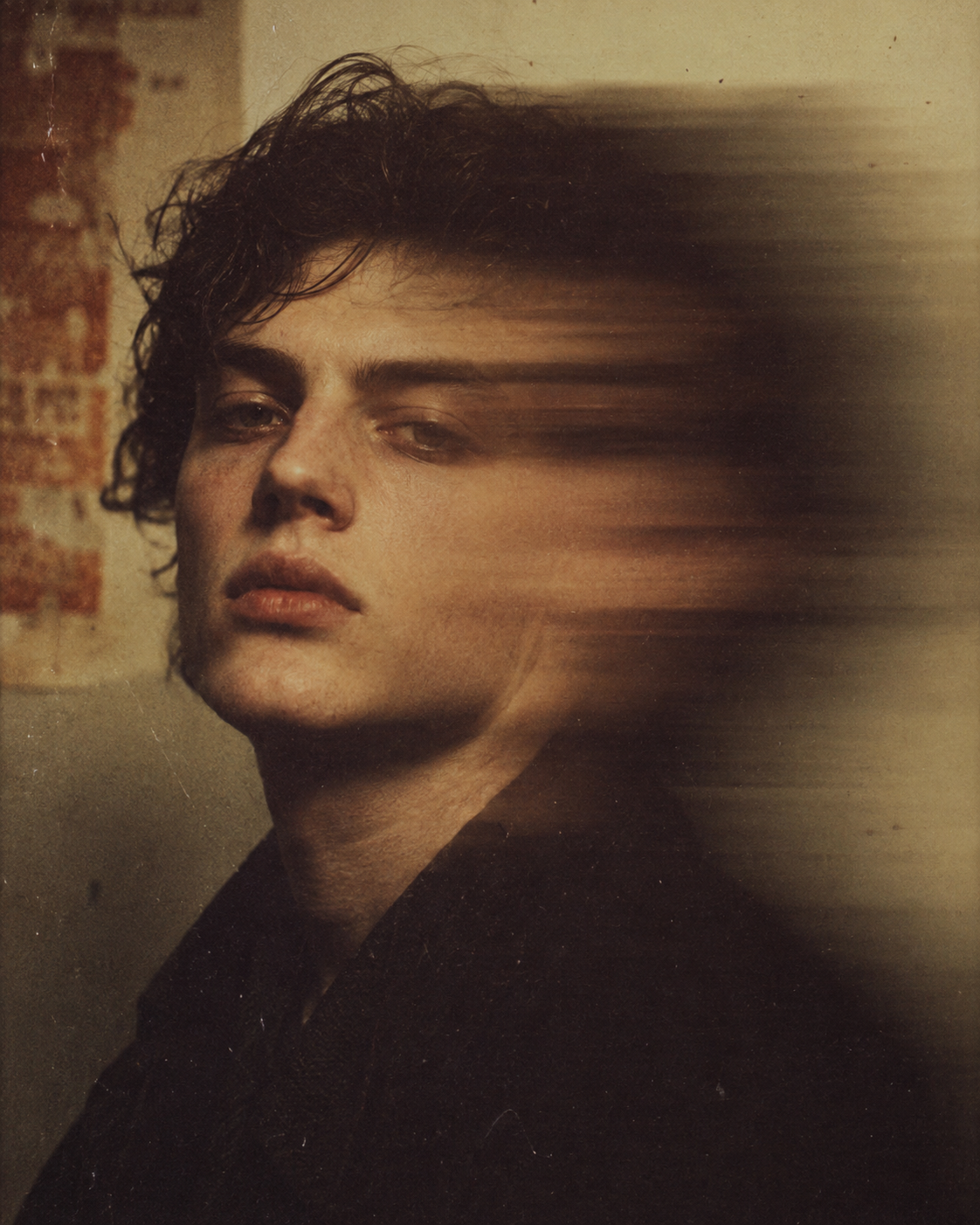
Add real pores, fine lines, and natural texture to AI-generated portraits and over-retouched photos. The face stays the face. The lighting stays the lighting. Only the plastic look goes.
Three steps. Real skin.
From plastic-smooth input to natural, believable skin — without touching the face or the lighting.
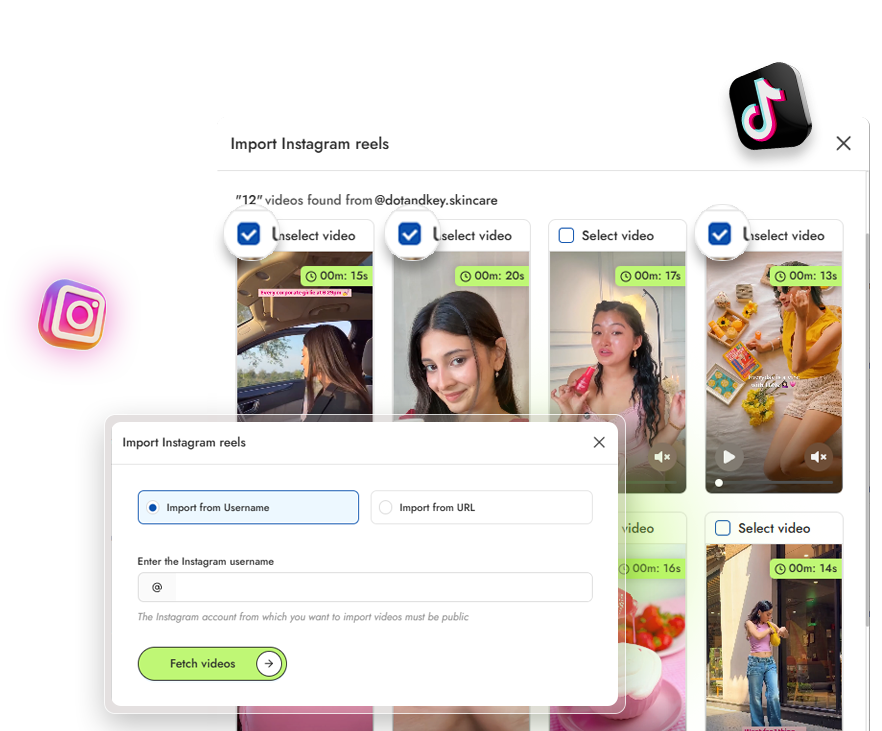
Upload the image
Drop in any image where the skin looks too smooth — AI portrait, on-model shot, retouched photo.
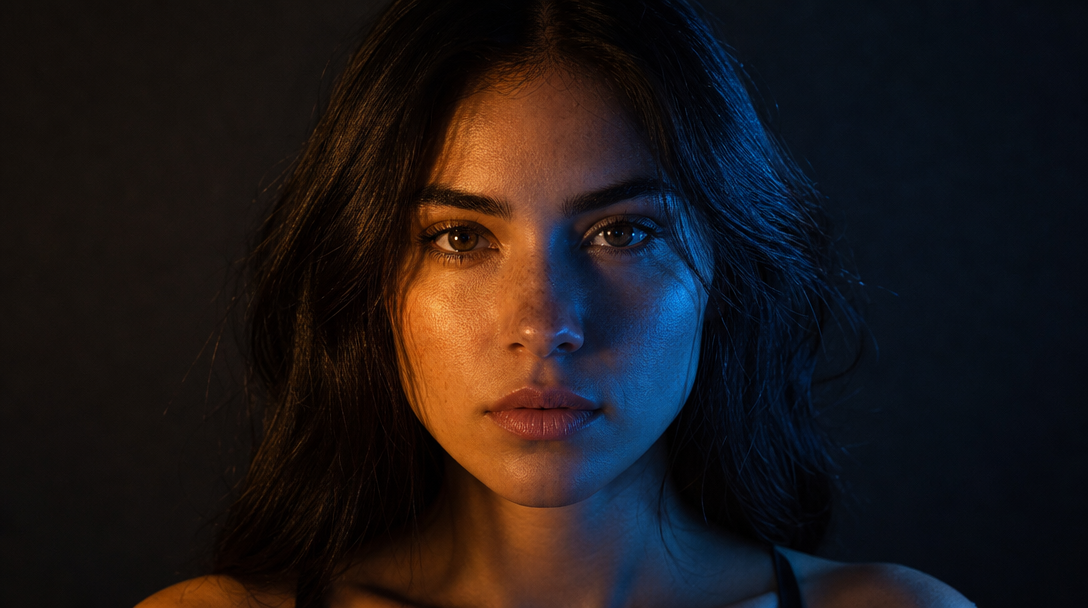
Pick what kind of skin you want
Choose a style or describe the look. Add skin details like pores, fine lines, or redness for realism.
Generate and download
Most images finish in under 15 seconds. The face stays the face. The skin starts reading as real.
Samecharacter.Realskin.
No more AI slop.
The face, the eyes, the identity — all preserved. Only the plasticky, dead-give-away AI look disappears. The model stops looking like an AI model and starts looking like a person.
The spots where AI skin gives itself away.
These are the places viewers instinctively read as fake — and exactly where the enhancer earns its keep.
AI-generated portraits
The face that looks "almost right" but reads as plastic. Add the micro-detail people subconsciously notice.
- Real pores & micro-texture
- Natural tone variation
- Subtle imperfections
- Reads as human
Hands, arms, and legs
Where AI smoothing is most obvious. Real skin has texture, freckles, faint veins — bring them back.
- Freckles & faint veins
- Knuckle & joint texture
- No plastic smoothing
- Believable limbs
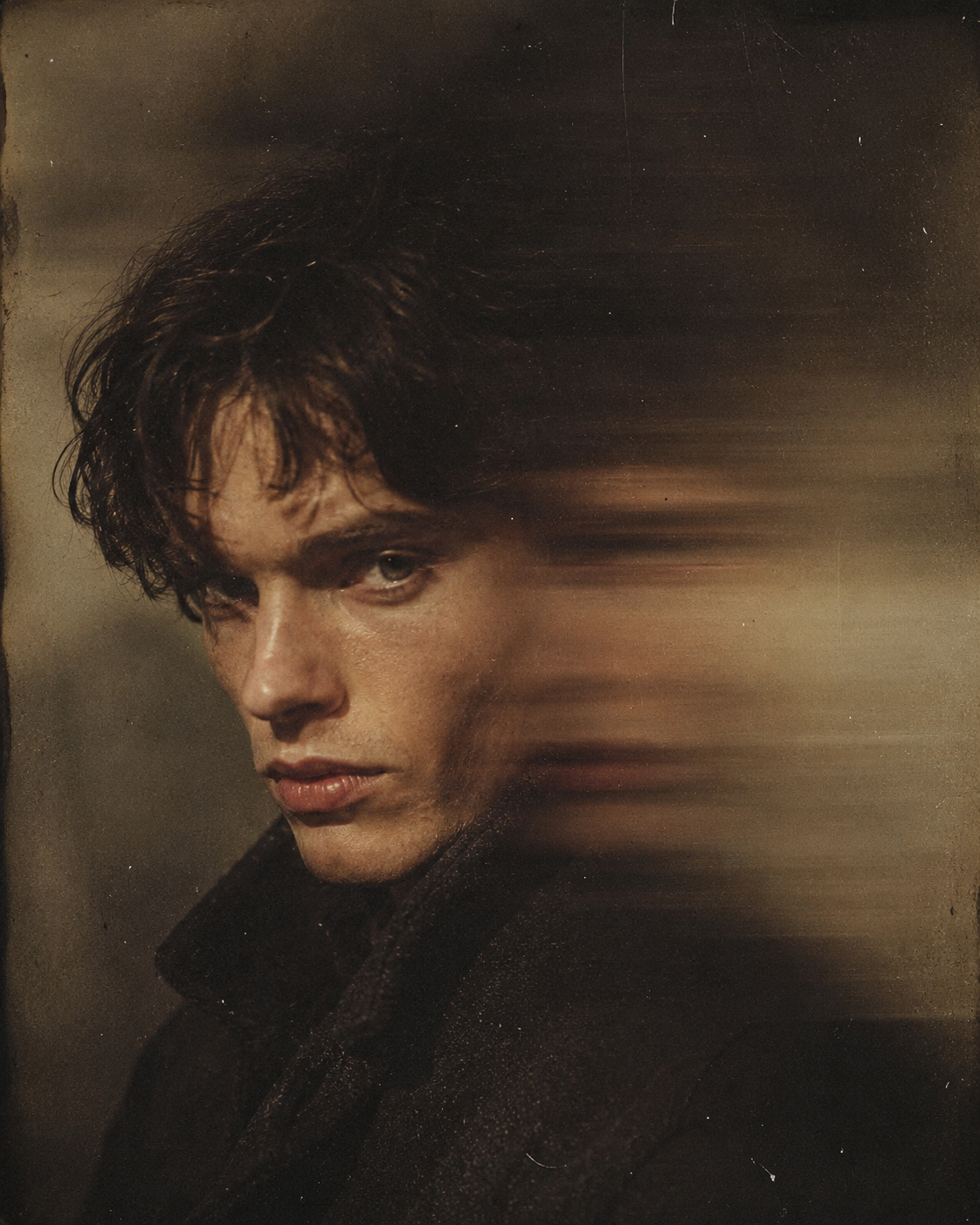
Cinematic close-ups
Extreme close-ups where every pore counts. Editorial beauty, character portraits, hero shots.
- Pore-level detail
- Editorial-beauty ready
- Hero-shot sharpness
- Every pore counts
Over-retouched real photos
Real source images that lost their texture to heavy retouching. Pull it back without redoing the edit.
- Restore lost texture
- Keep the original edit
- Natural skin back
- No full redo
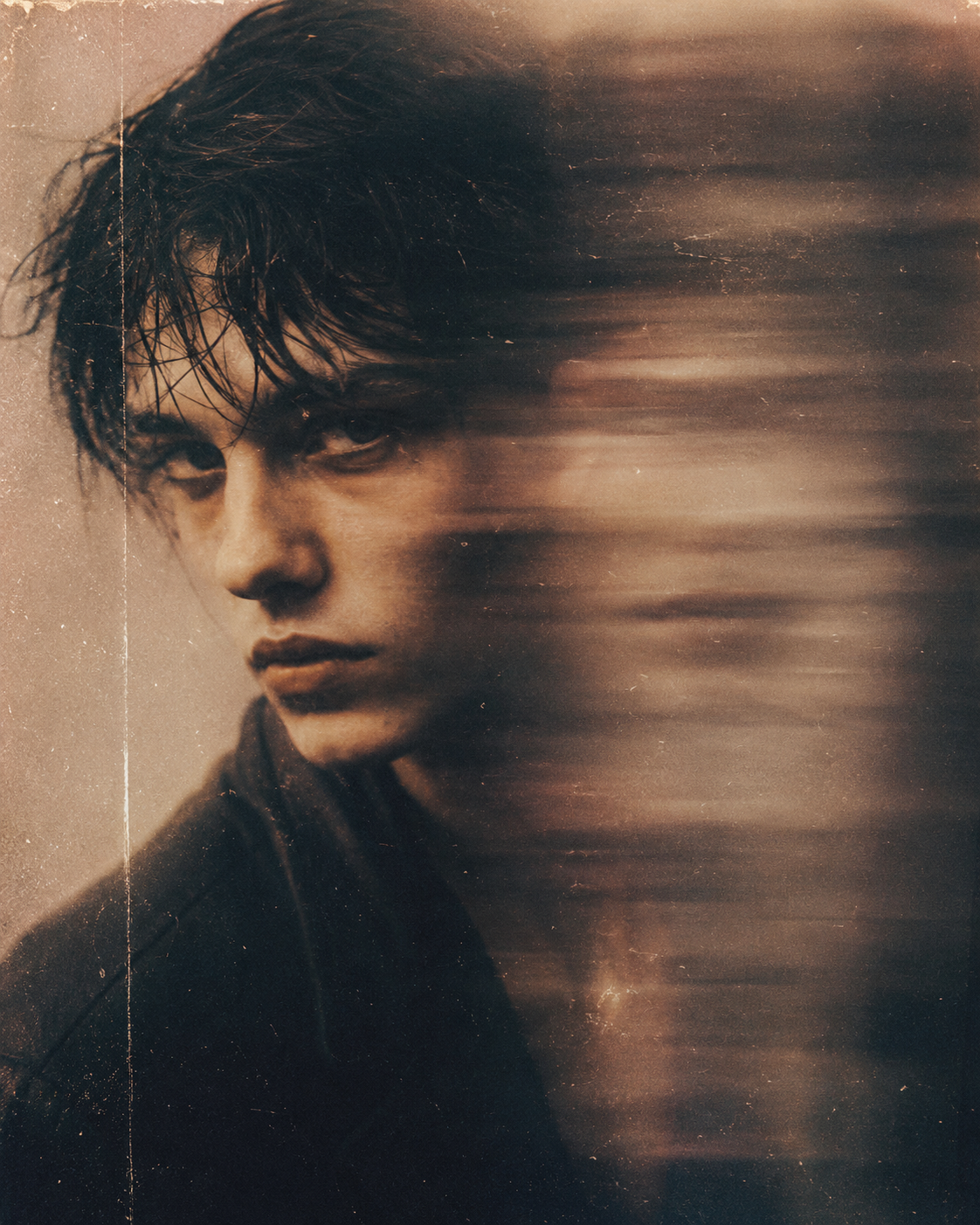
Drag the slider. Watch the AI face disappear.
Every example is a real generation — no curated marketing renders. Filter by category to find the kind of fix closest to your own work.
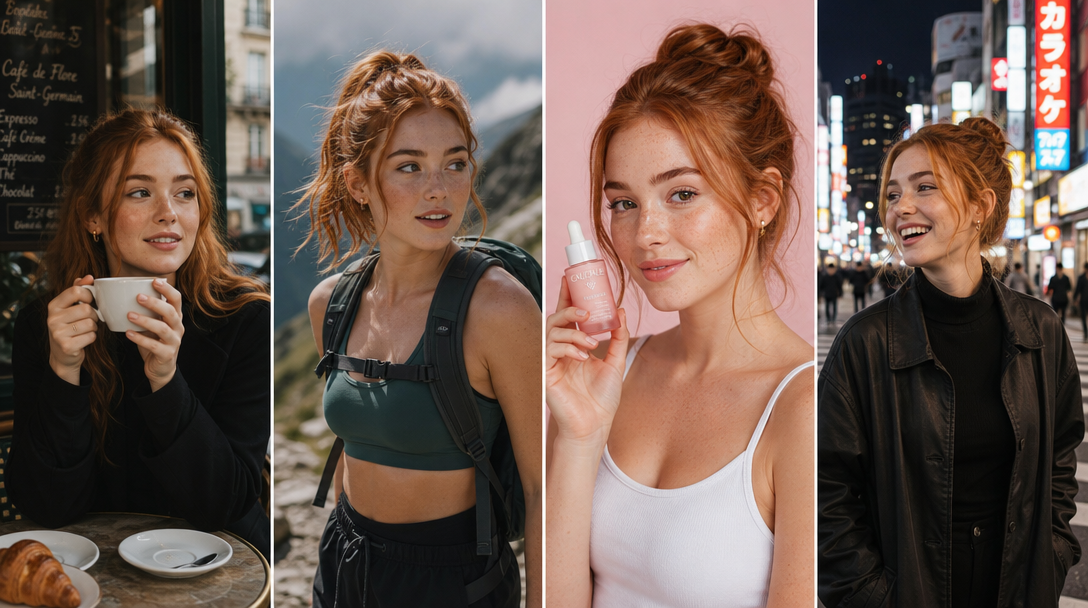
Everything worth knowing before you start.
Adds realistic micro-texture — pores, fine lines, faint unevenness — to skin that looks too smooth. Works on AI-generated images, over-retouched real photos, and anywhere the skin reads as plastic.
No. The face shape, expression, identity, and lighting all stay the same. Only the surface texture of the skin changes.
Yes. Hands, arms, legs, shoulders, full-body shots — anywhere skin is visible. These are usually the most obvious giveaways on AI images, so it's where the tool earns its keep.
Both. Use it on AI outputs that look too clean, or on real photos that got over-retouched and lost their natural skin.
No. Upscaling sharpens detail and increases resolution. Skin Enhancer adds texture detail that was never there in the first place. The two stack well — upscale first if the source is low-res, then enhance the skin.
Portraits, beauty shots, fashion on-model images, character shots, and any close-up of skin. Clean source images get cleaner results, but most images work.
Under 15 seconds for most images. Larger files and 4K outputs take a little longer.
Yes. Full commercial rights on every plan — ads, product pages, social, client work.
Tools that pair with skin enhancer.
Built for creators, designed for speed.
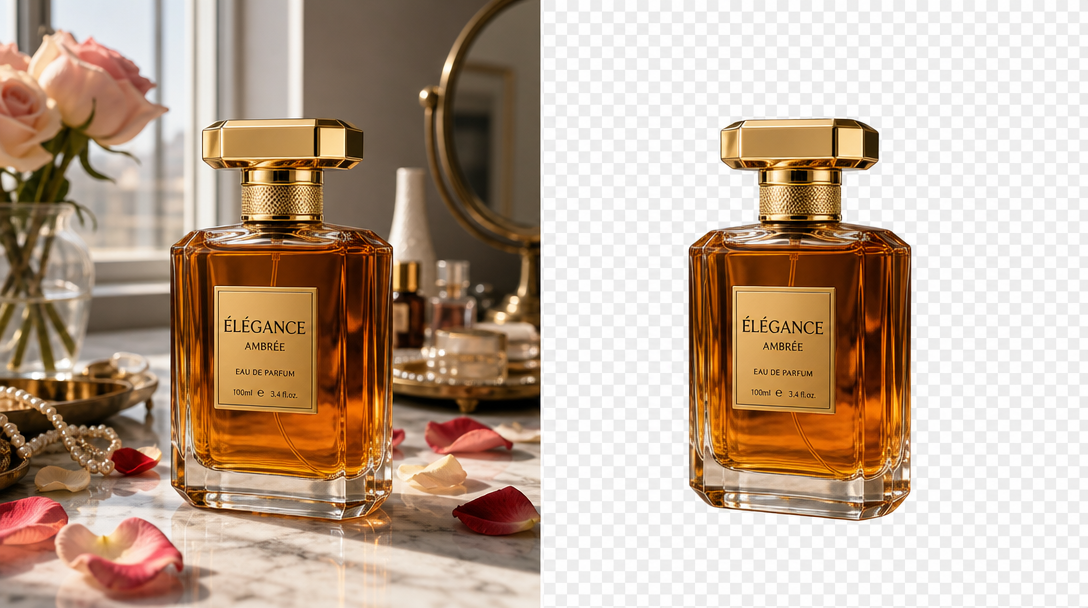
AI Image Editor
Inpaint, outpaint, remove, replace
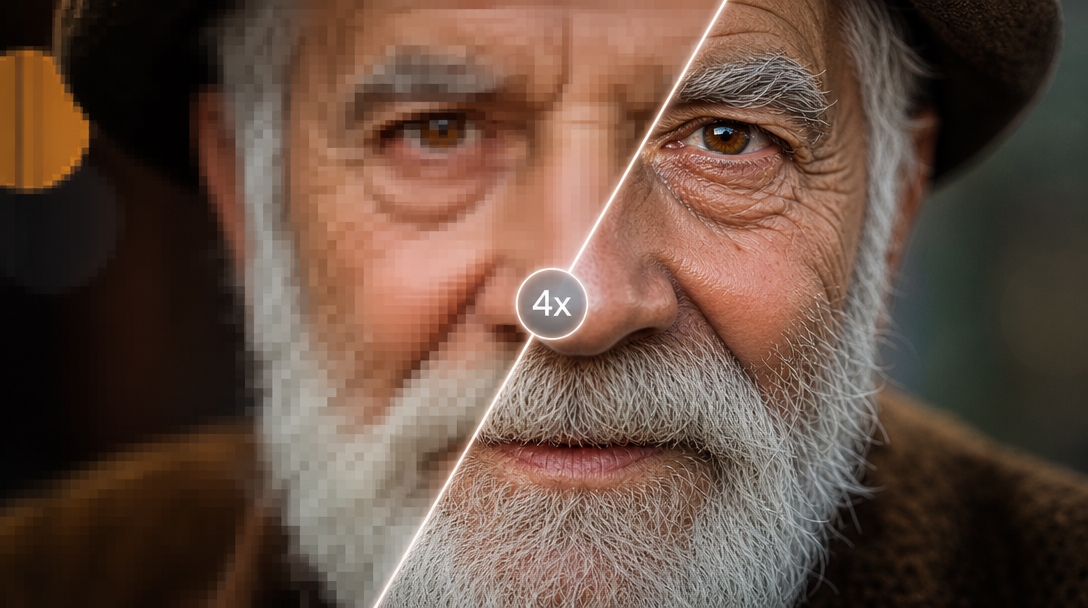
AI Upscale
Enhance resolution up to 4x
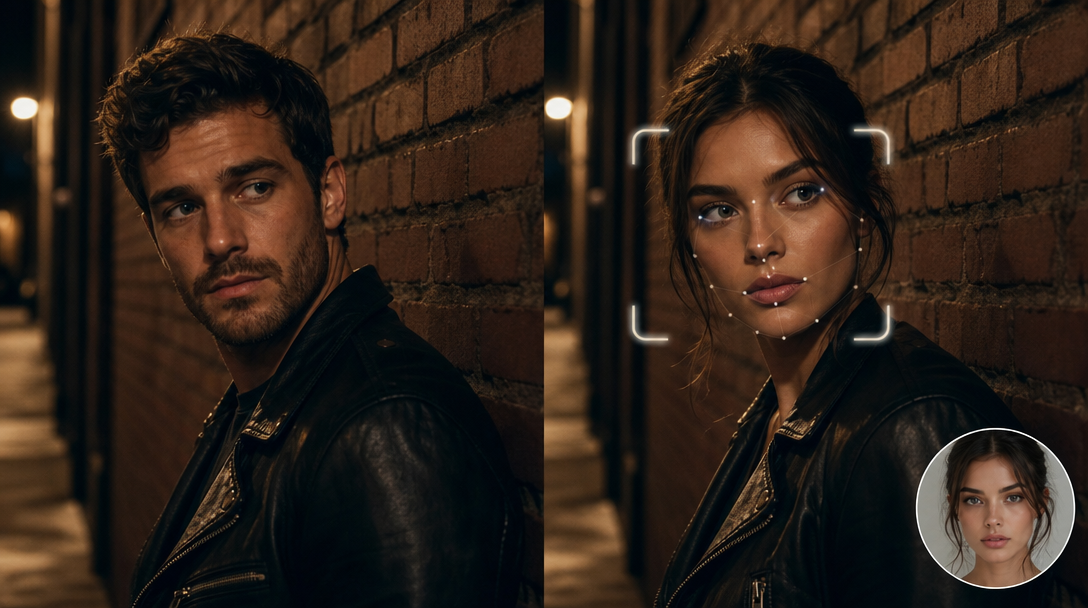
AI Face Swap
Swap faces in any image
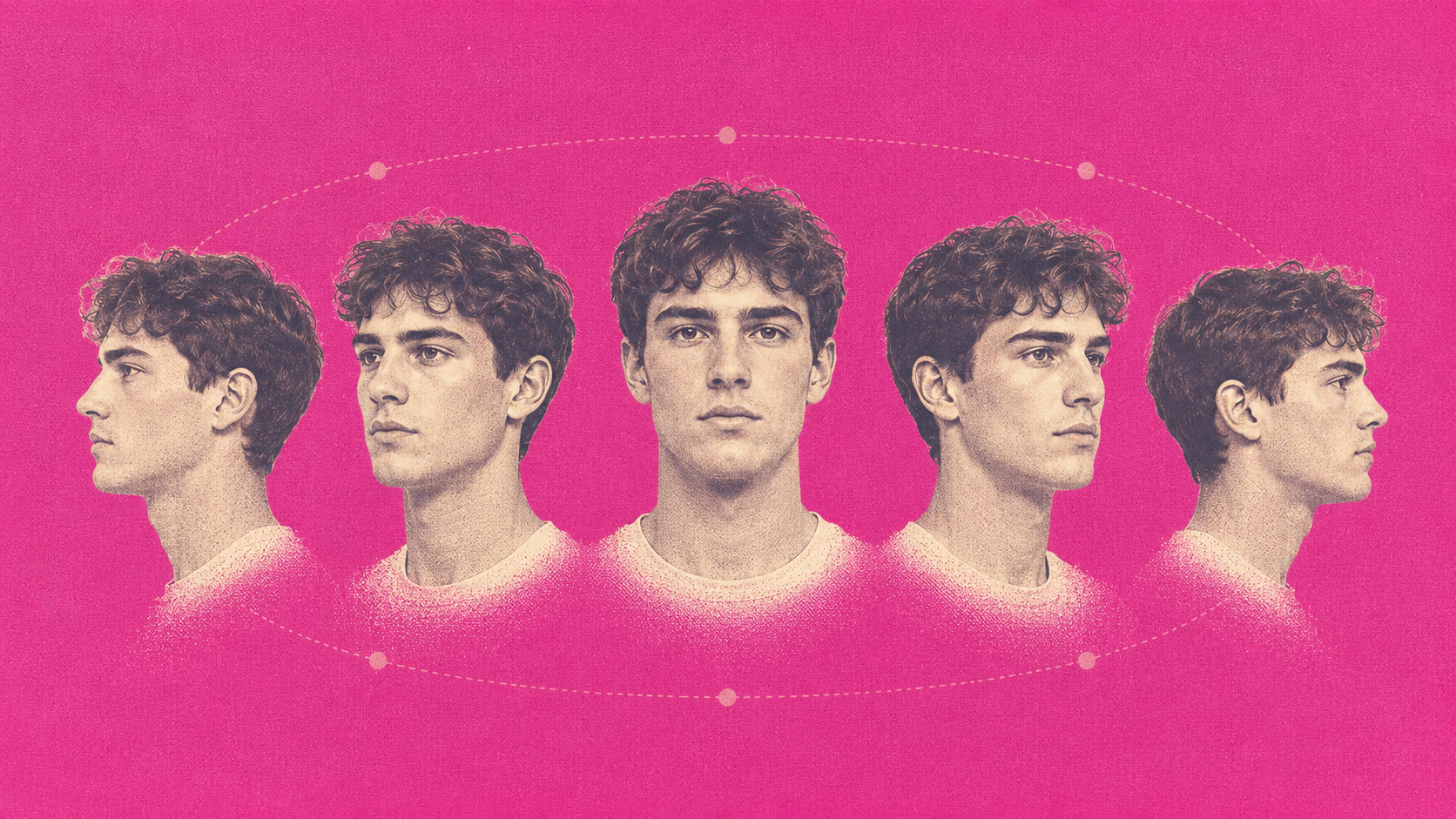
AI Multi-angle Shots
Every angle, same character
AI Influencer Studio
Build your brand model

AI Image Generator
Text-to-image across every top model
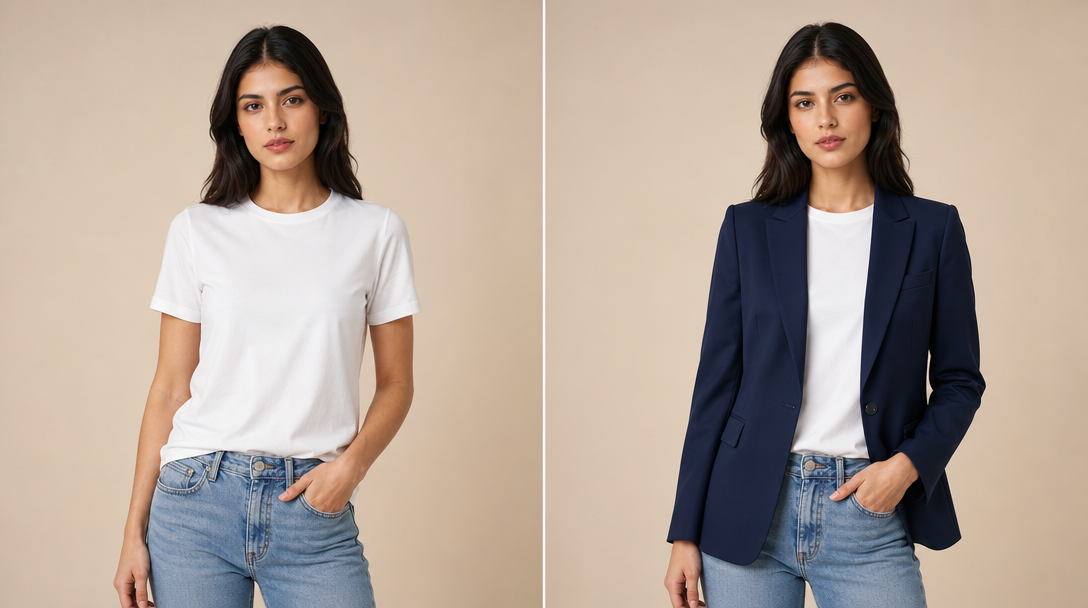
AI Fashion Engine
On-model imagery in seconds
AI Video Generator
Prompt to clip, photoreal
Fix the waxy skin on your first image.
Upload, tap what to enhance, download. The face stays. The plastic goes.