
Movethelight.
Keep the shot.
Change the direction, color, and mood of the lighting in any image — without reshooting the subject. Golden hour, neon night, soft studio, cinematic moody. Describe the light you want or pick a preset, and ReelUp delivers it in under 15 seconds.
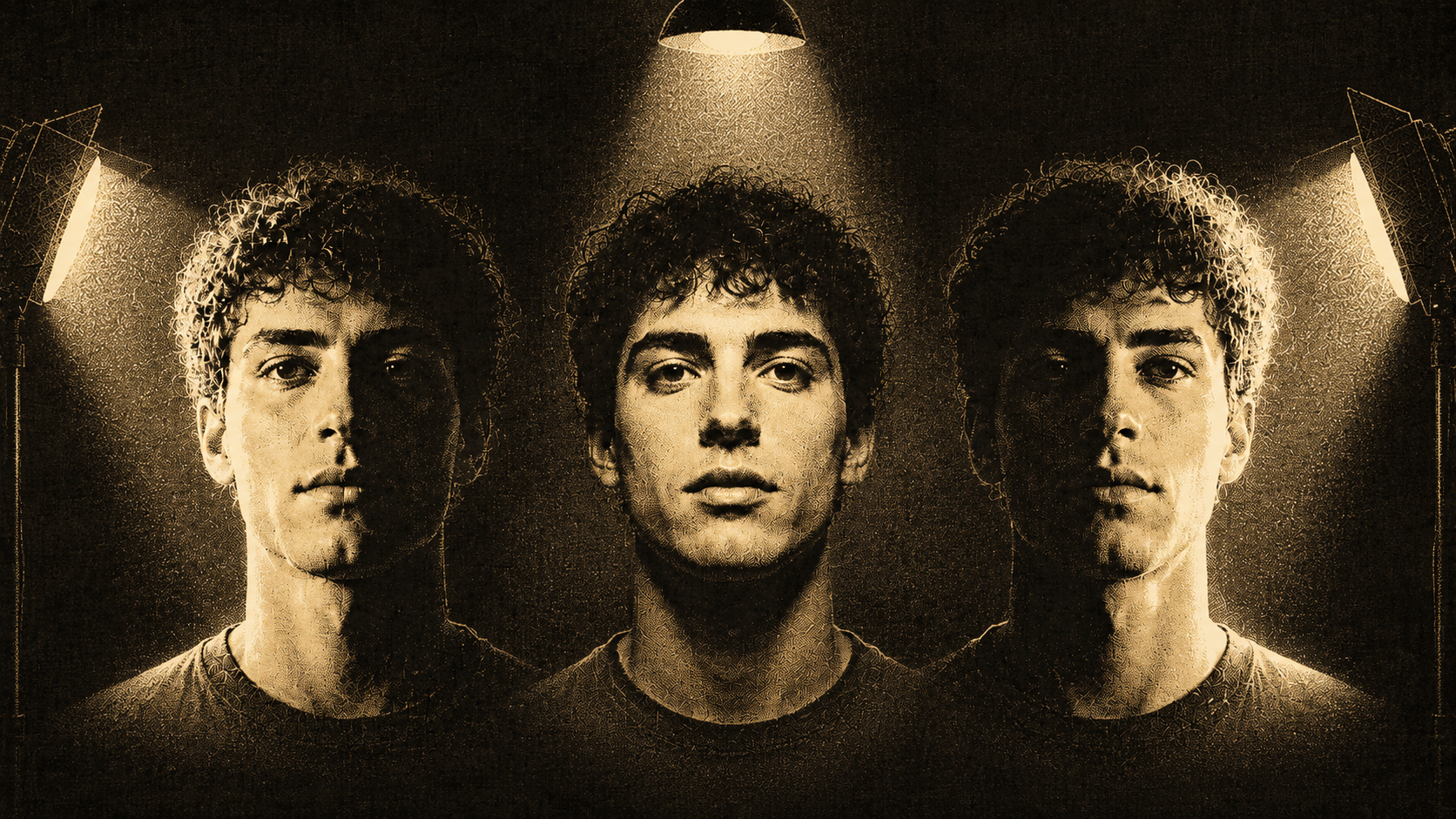
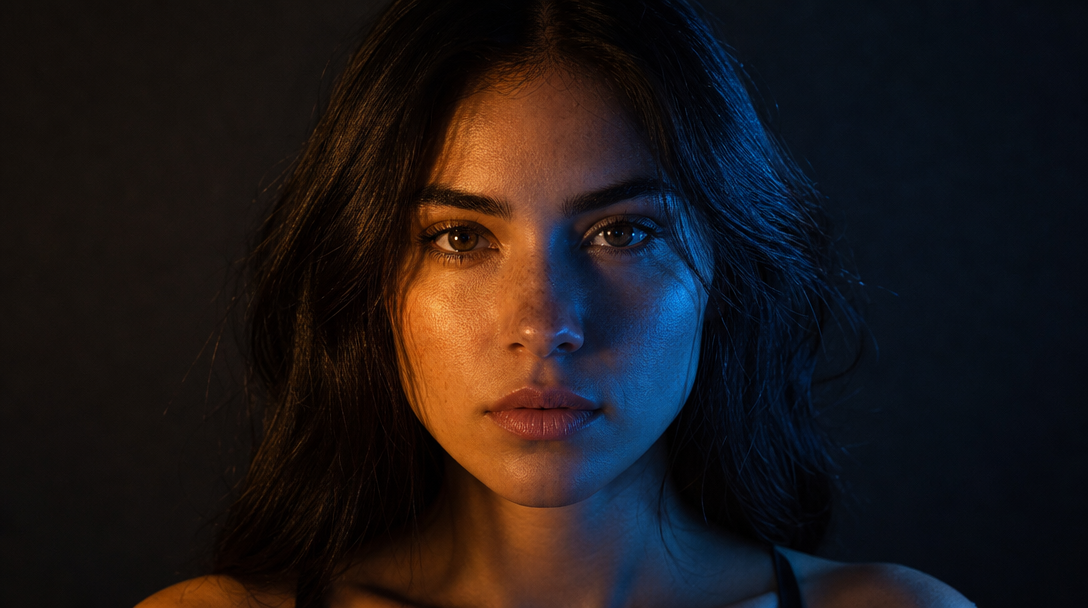
Three steps. New light.
From flat or wrong lighting to the exact mood you want — without touching the subject.
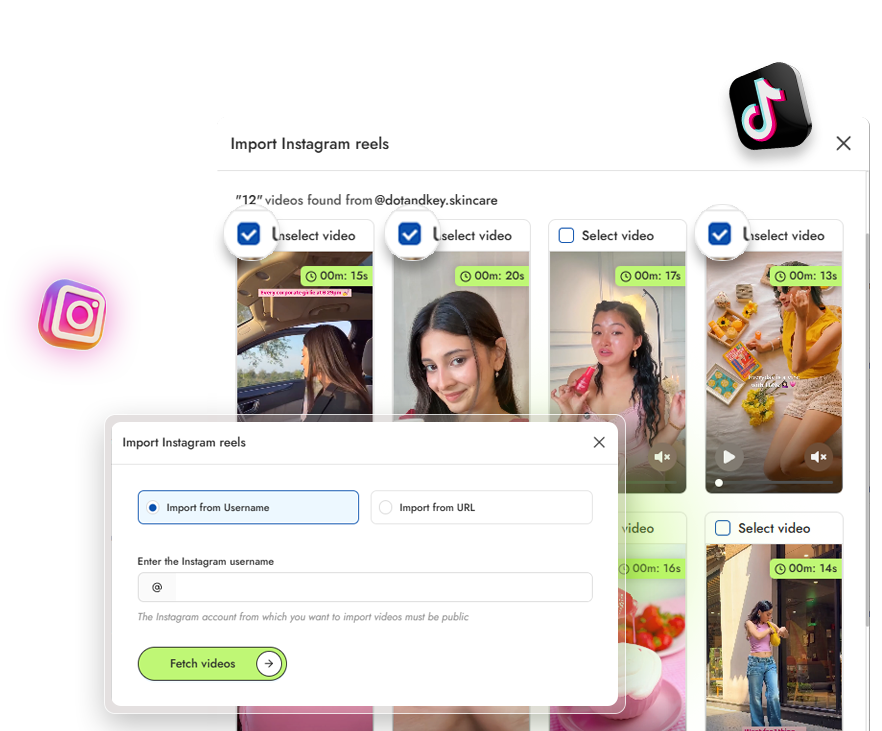
Upload the image
Drop in any image — product, portrait, character, scene. Real photography or AI-generated.
Choose the light color and angle
Pick the lighting and camera angle — warm, cool, neon, front, side, overhead, and more — or describe a custom setup in the prompt.
Generate and download
Most images finish in under 15 seconds. The subject stays unchanged. Only the lighting transforms.
Samesubject.Newlight.
No reshoot.
The product, the model, the scene — all preserved exactly. Shape, color, texture, identity, every detail stays the same. Only the lighting transforms. Not a filter, not a color grade — a full relight.
Every kind of lighting change, one tool.
Mood, direction, fixes, or campaign-wide consistency — relight any image without ever reshooting the subject.
Change the mood
Golden hour, neon, cinematic moody, bright daylight, soft window light. Swap the entire feeling of a shot without touching the subject.
- Golden hour & neon
- Cinematic moody
- Bright daylight
- Soft window light
Move the light direction
Bring the key light from the left, the right, the back. Add a rim light. Shift a flat overhead source to a directional studio setup.
- Left / right / back key
- Add a rim light
- Flat → directional
- Studio setups
Fix harsh or uneven lighting
Harsh shadows under sleeves, dark hollows, mixed indoor color casts, blown highlights. Even out a tricky shot without reshooting.
- Tame harsh shadows
- Lift dark hollows
- Fix color casts
- Recover highlights
Match lighting across a campaign
Apply the same lighting prompt across 50 product shots or character images. Lock visual consistency without redoing every photo.
- Batch the same prompt
- 50+ shots at once
- Visual consistency
- No re-editing
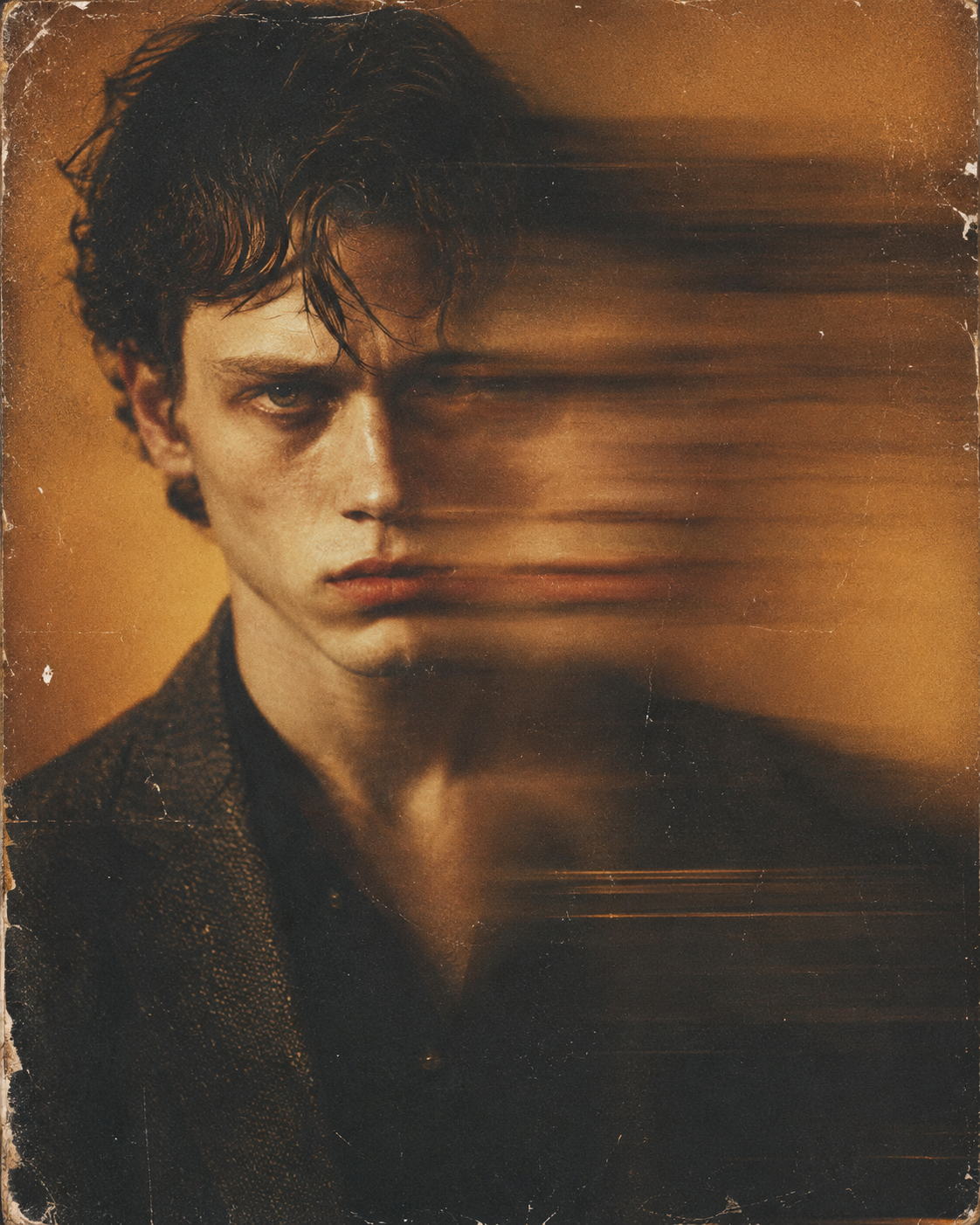
Drag the slider. Watch the light change.
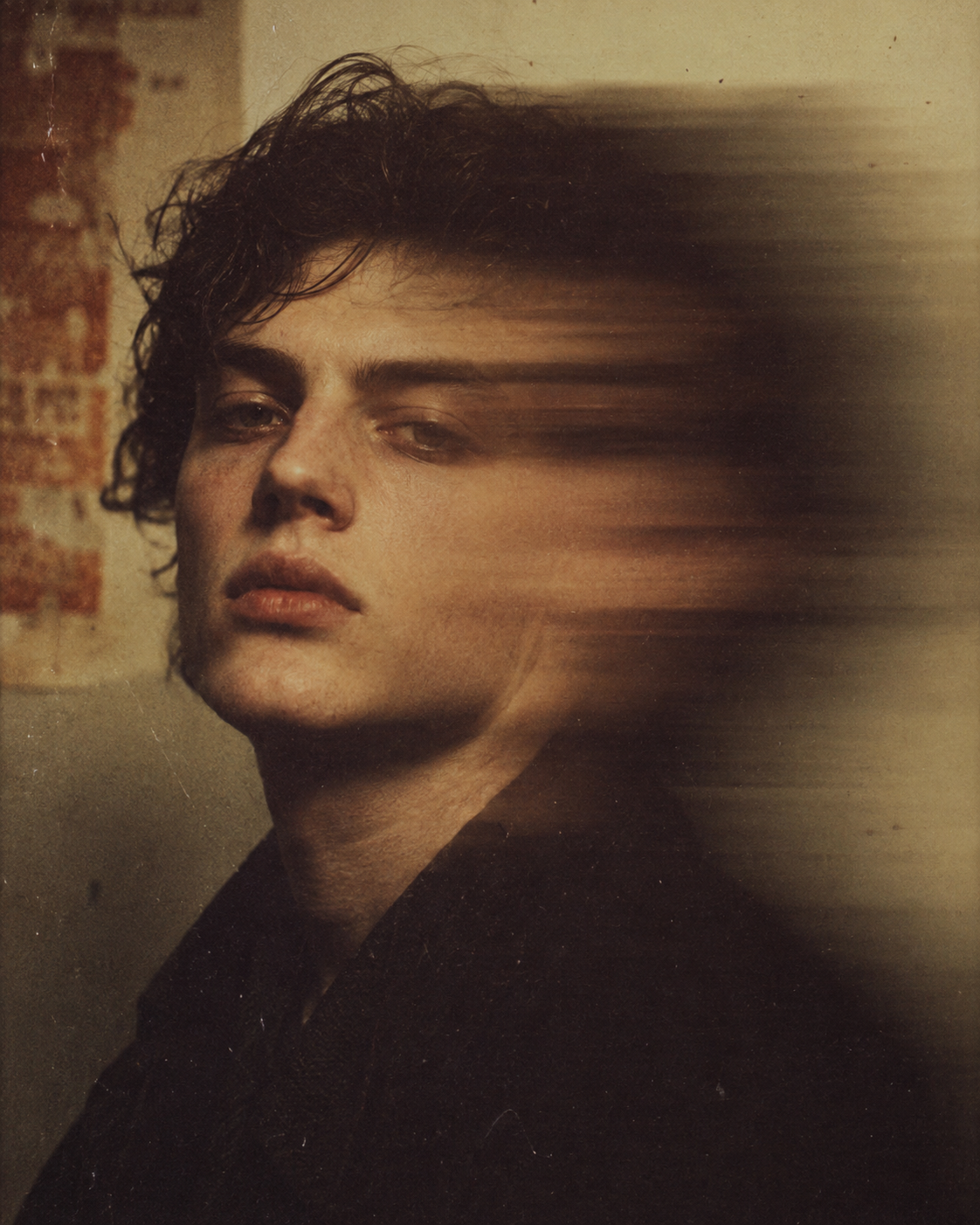
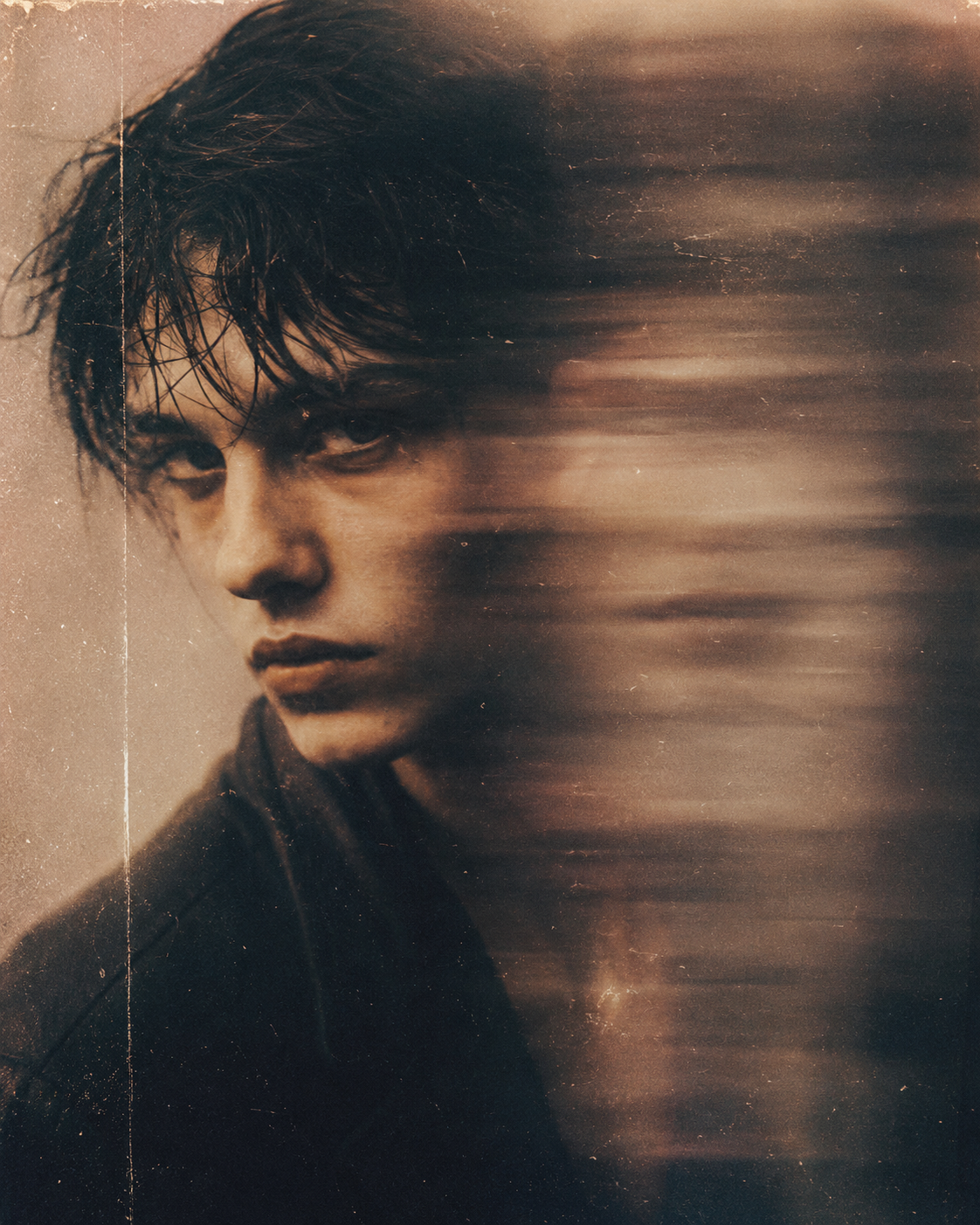
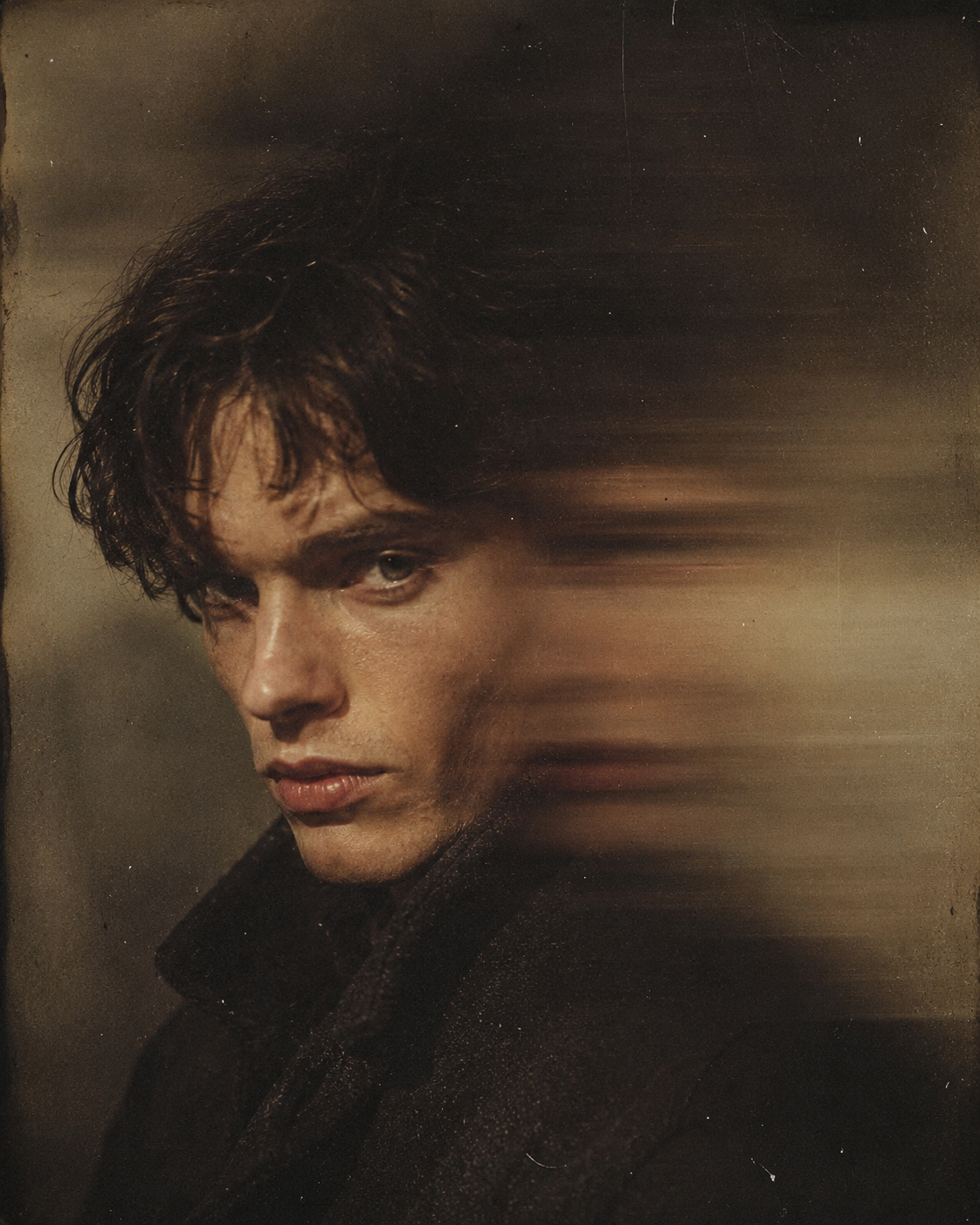
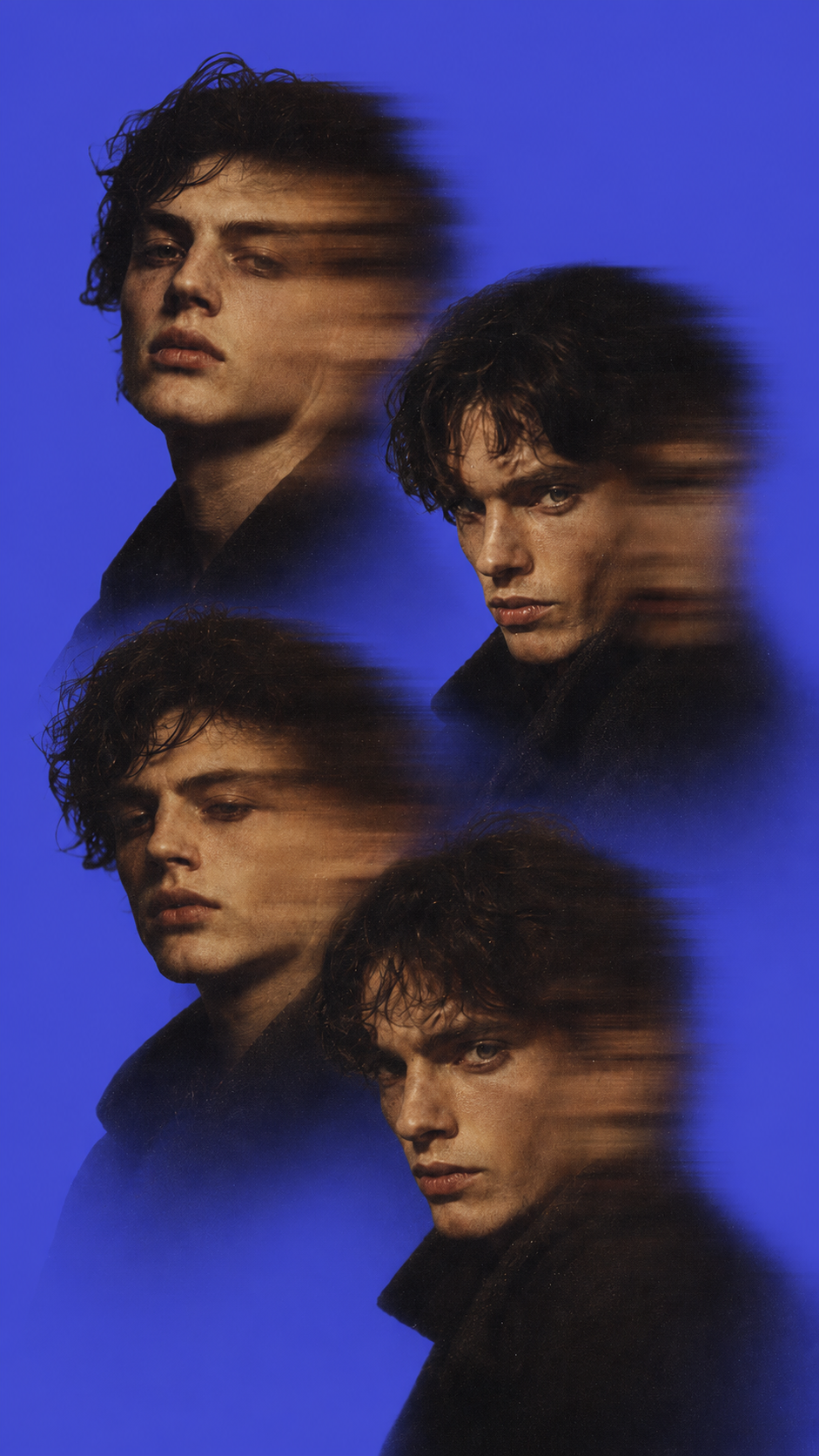
Every example is one source image, relit through a different prompt. Filter by lighting style to find the look closest to what you need.
Everything worth knowing before you start.
AI relight changes the lighting in a photo — direction, color, intensity, and mood — without changing the subject. Unlike filters or color grading, it generates new light from scratch: shadows shift, highlights move, and the scene reads as if it were shot under different conditions. The product, the person, the scene all stay exactly the same.
ReelUp's AI analyzes the geometry, depth, and materials in your image, then re-renders the lighting based on your prompt or preset. The model understands where light should fall, how it should bounce, and where shadows should land. The result is a relit image — not a tinted one.
Yes. You get free generations every day with no card required. Paid plans unlock higher daily limits, faster processing, and access to premium models and additional lighting presets.
No. The subject — product, person, scene, costume — stays exactly the same. Only the lighting transforms. Use prompts like "preserve all subject details" if you want extra insurance for sensitive shots.
Filters add a color overlay. Photoshop relighting requires manual masks, dodge-and-burn, and hours of work. AI Relight generates new light from scratch — shadows move, highlights shift, the geometry of the lighting changes. The result looks like a different shoot, not a different edit.
Golden hour, neon, cinematic moody, studio, daylight, and soft window light are the strongest presets. Custom prompts also work — describe direction ("key light from the left"), color ("warm tungsten"), or mood ("editorial high-key") and the model will follow.
Yes. AI-generated images, real photography, and stylized illustration all work. AI outputs that look too flat or evenly lit often benefit most — relight adds the directionality and depth that pure generation tends to miss.
Most images finish in under 15 seconds. 4K outputs and complex multi-subject scenes take slightly longer.
Up to 4K (3840 × 2160). For source images below 4K, the Upscaler can run after relight to push detail to full resolution.
Yes. Apply the same lighting prompt to up to 100 images in one job — useful for catalog consistency, character campaigns, and seasonal restyles.
Yes. Every output is yours to use commercially — ads, product pages, films, client work. Full commercial rights on every plan.
Tools that pair with relight.
Built for creators, designed for speed.
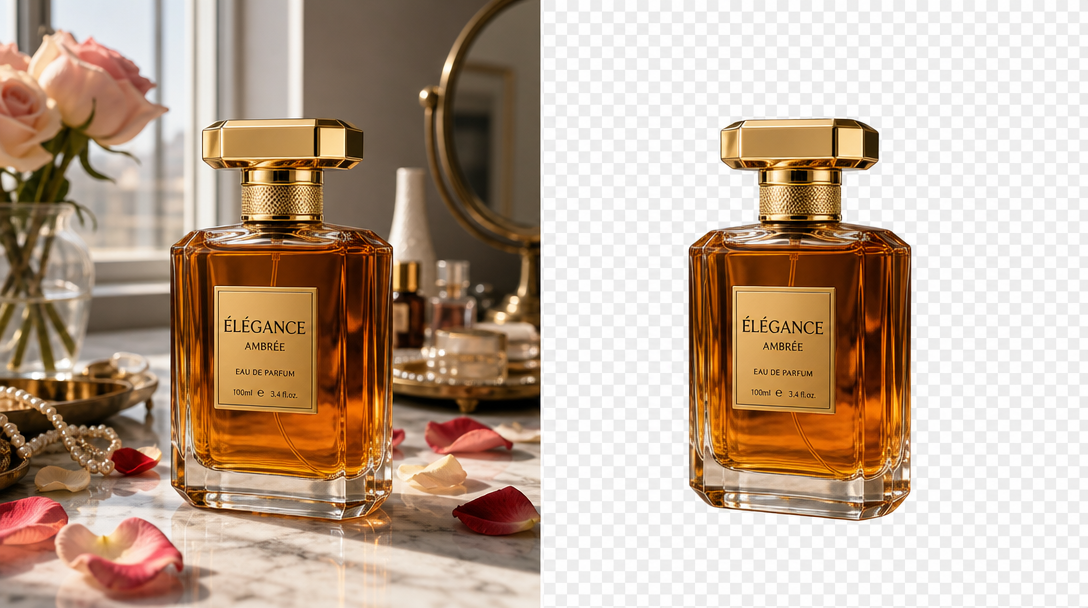
AI Image Editor
Inpaint, outpaint, remove, replace
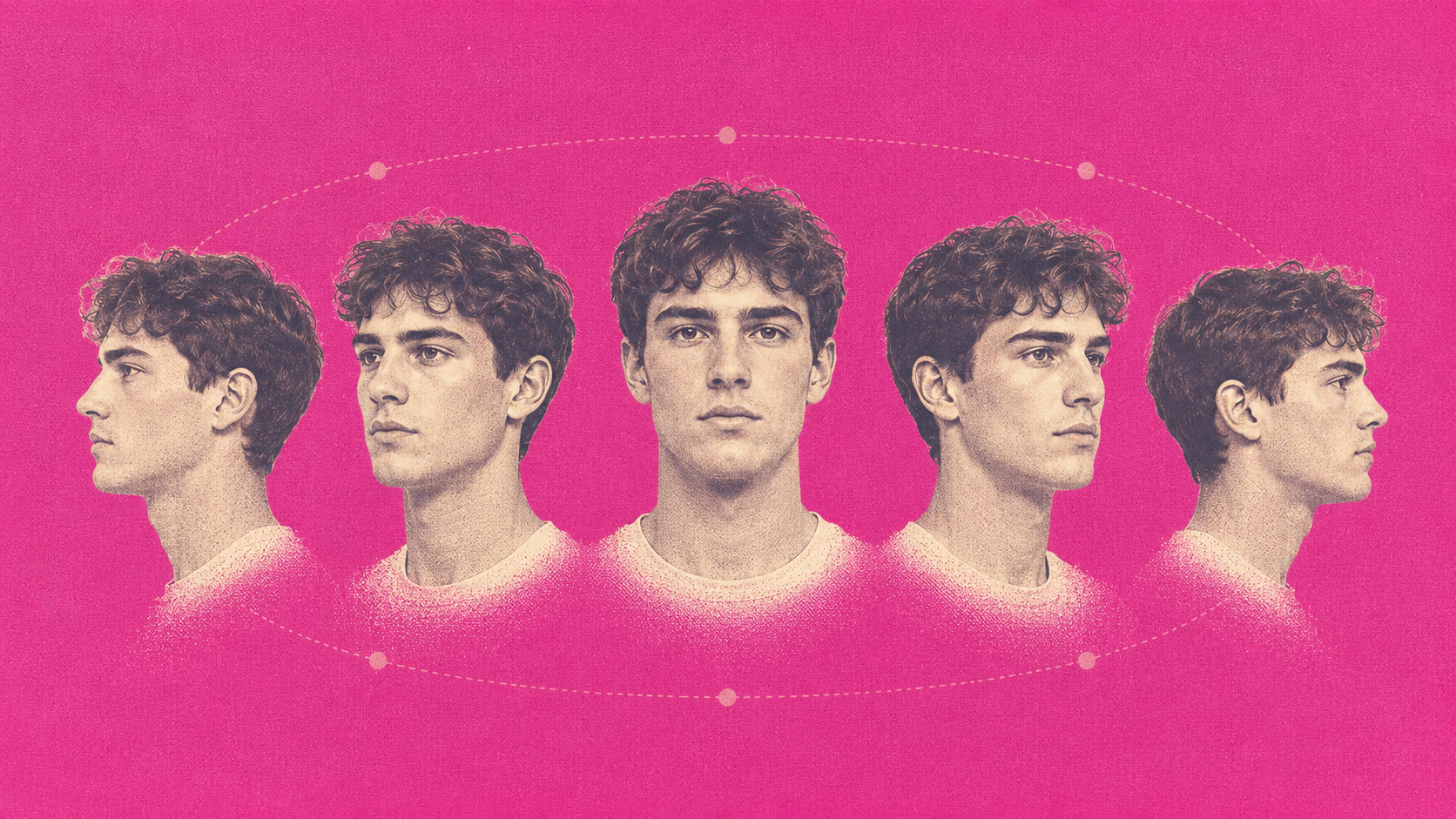
AI Multi-angle Shots
Every angle, same character
AI Skin Enhancer
Real skin texture, not plastic
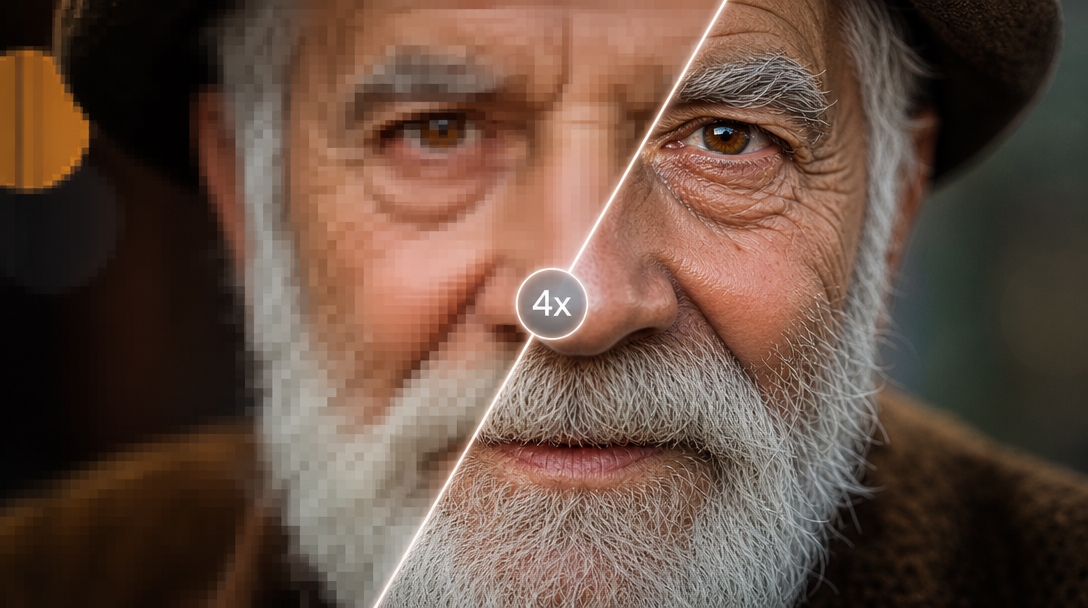
AI Upscale
Enhance resolution up to 4x
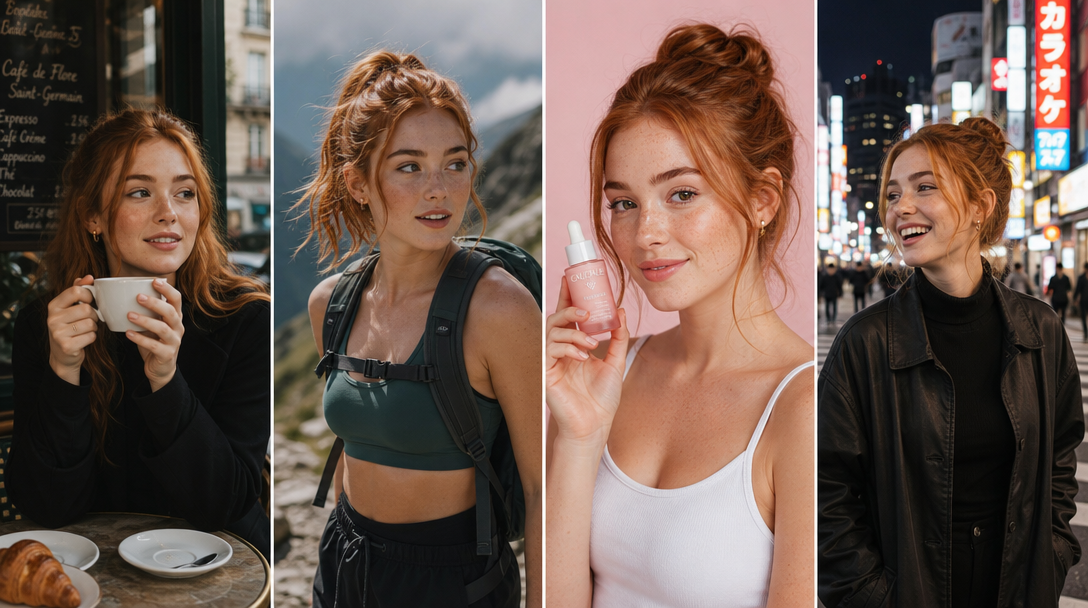
AI Influencer Studio
Build your brand model
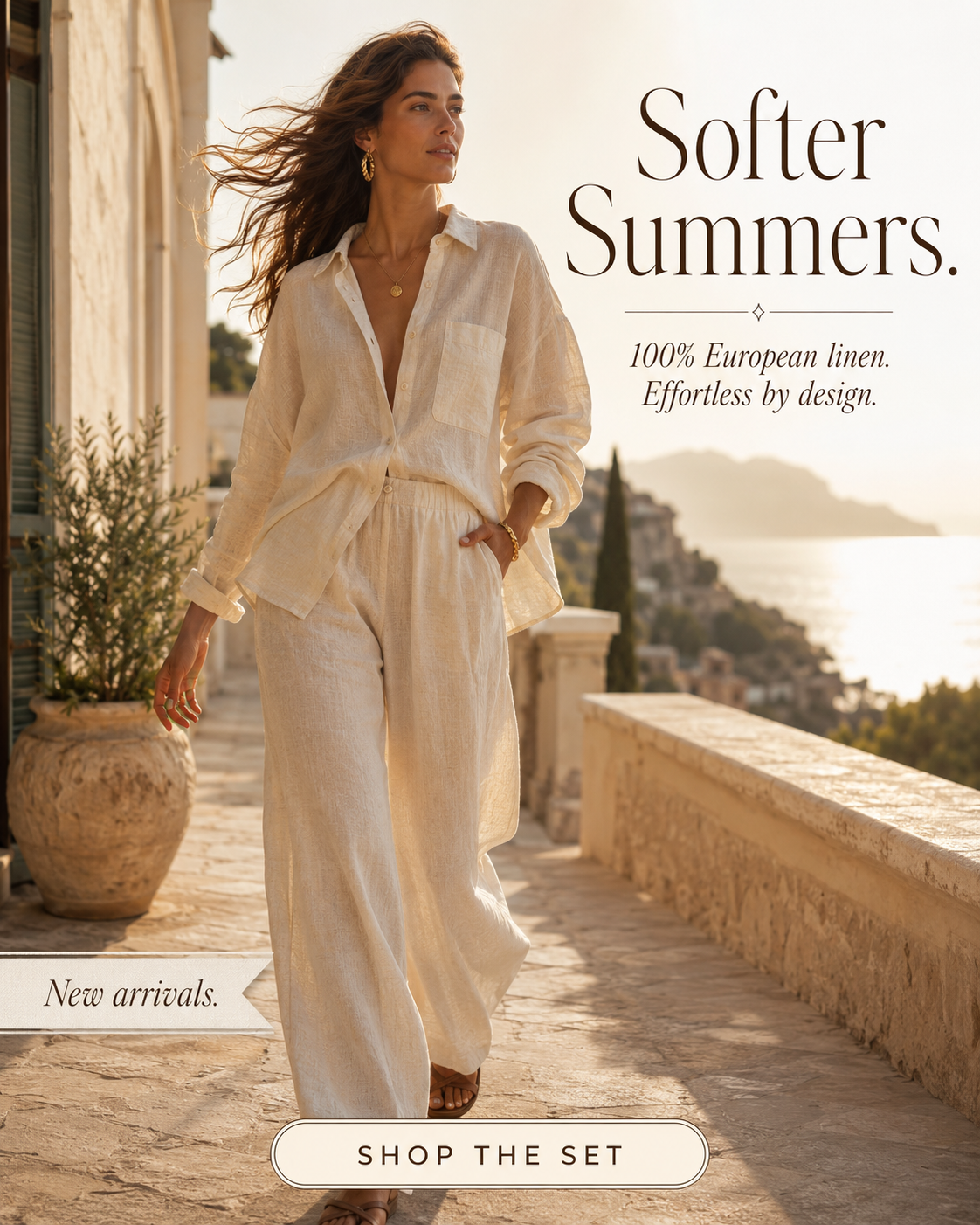
AI Image Generator
Text-to-image across every top model
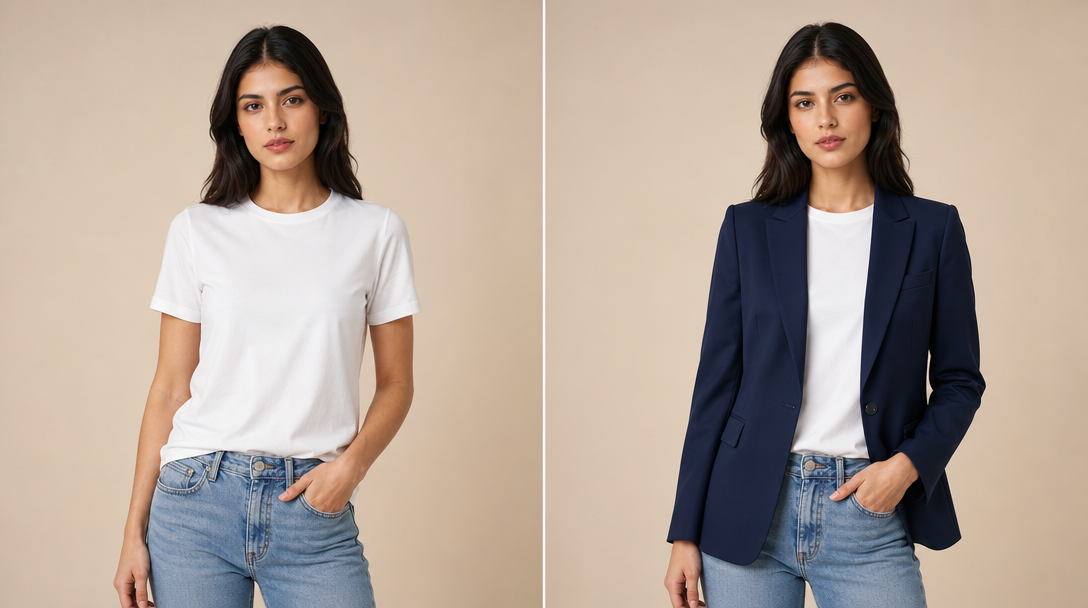
AI Fashion Engine
On-model imagery in seconds
AI Video Generator
Prompt to clip, photoreal
Relight your first image in under 15 seconds.
Upload, pick the lighting, download. Same subject. Cinematic light.